

How to Use a Digital Planner on iPad
A calm, beginner-friendly guide to digital planning – without overwhelm, pressure or perfection.


Starting digital planning on an iPad can feel more overwhelming than it should.
There are countless videos, apps, tools and “perfect” planner setups online – and most of them make digital planning look far more complicated than it actually is.
This guide is intentionally different.
You don’t need five apps, a huge sticker collection or a perfectly aesthetic layout to use a digital planner effectively. What you need is a calm starting point, a basic understanding of how digital planning works on iPad and a system that supports your daily life instead of adding pressure.
In this beginner-friendly guide, you’ll learn how to use a digital planner on iPad step by step – without overwhelm, without perfectionism and without turning planning into another task on your to-do list.
How Digital Planners Work on iPad (Quick Overview)
Before diving into apps or layouts, it helps to understand what actually happens when you use a digital planner on an iPad.
At its core, a digital planner is a PDF file designed for interactive use. Instead of writing with a pen on paper, you write, type or tap directly onto the planner using an app on your iPad.
The planner itself doesn’t “do” anything automatically – there are no reminders, notifications or smart features unless you add them through your app. This simplicity is exactly what makes digital planners appealing to many people.
This page focuses on getting started, but if you’re interested in exploring digital planners designed specifically for iPad in more detail, you can find a full overview here: digital planners for iPad.
Planning Digitally vs Writing Things Down
The biggest difference between digital and paper planning isn’t the screen – it’s flexibility.
With a digital planner, you can duplicate pages, undo mistakes, reuse layouts, and carry your entire planner with you without adding weight. At the same time, the planning process itself remains very similar to writing things down by hand, especially when using an Apple Pencil.
If you enjoy the feeling of writing but want less clutter, fewer notebooks, and more flexibility, digital planning on iPad often feels like a natural next step.
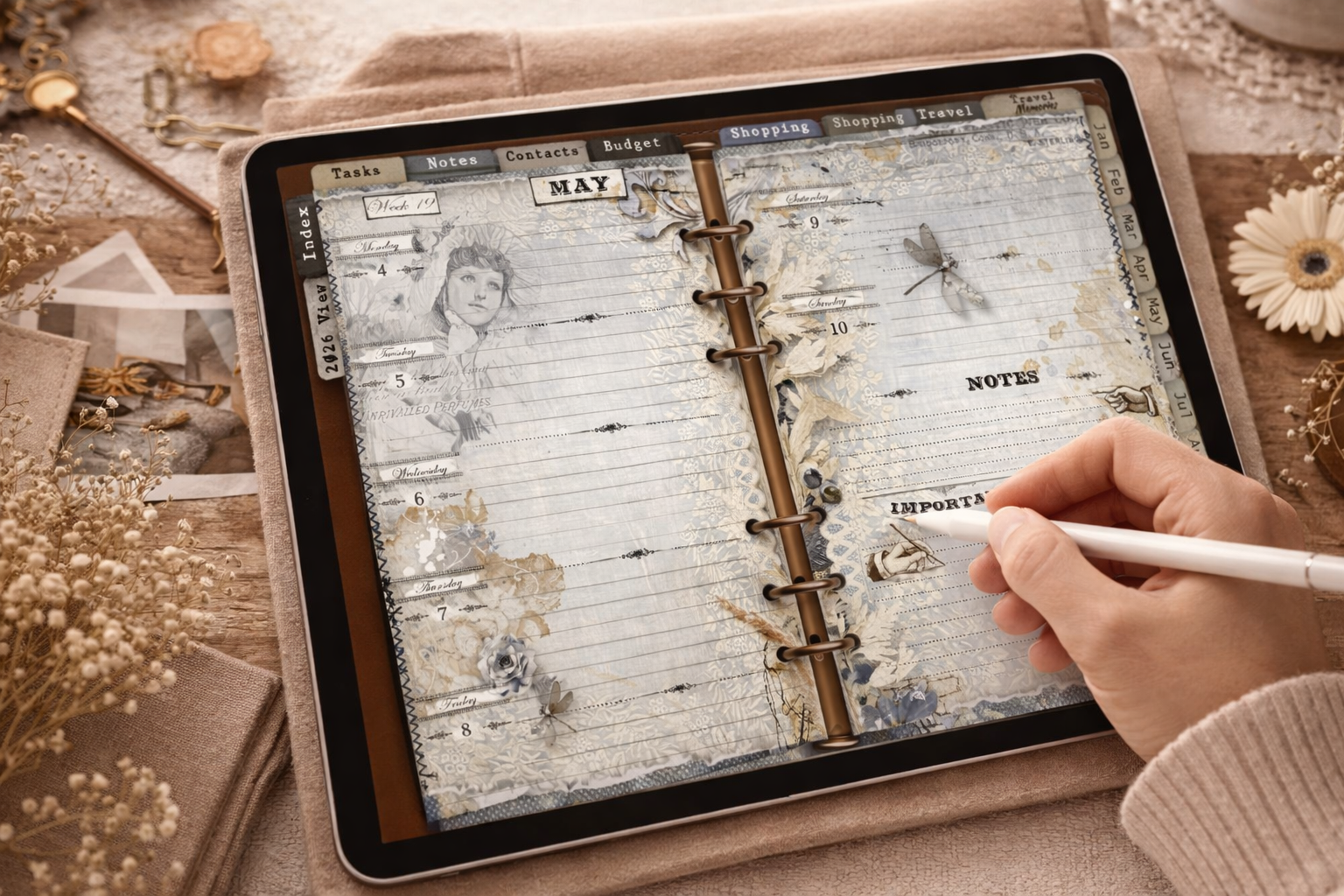
What Actually Happens When You Use a Digital Planner
Using a digital planner on iPad usually follows a very simple process.
You open your planner file inside a note-taking app like GoodNotes or Notability. From there, you navigate through the planner using tabs or links, write directly onto the pages and update your plans as needed.
There’s no syncing across devices required, no constant internet connection and no technical setup once the planner is loaded. For beginners, this low-tech feeling is often what makes digital planning sustainable in the long run.
If you’d like a more detailed explanation, you can read my full guide: What Is a Digital Planner?
Is Digital Planning on iPad a Good Fit for Your Daily Routine?
Digital planning on iPad can feel incredibly supportive – or completely unnecessary – depending on how your daily life is structured.
While digital planners offer flexibility and convenience, they are not automatically the better option for everyone. Understanding when digital planning actually fits into your routine can save you a lot of frustration and unrealistic expectations.
Instead of asking whether digital planning is “better” than paper, it helps to ask a simpler question: does it support the way you already plan and think?
From a personal perspective, digital planning became part of my routine almost instantly.
What started as curiosity quickly turned into a small evening ritual — checking off what I’ve completed, adjusting plans, and setting up the next day, usually while sitting on the couch in the evening.
That’s when digital planning stopped feeling like a tool and started feeling like something I genuinely look forward to.
When Digital Planning Feels Supportive
Digital planning on iPad works especially well when your routine benefits from flexibility and portability. If you like having everything in one place – calendar, notes, lists and ideas – a digital planner can simplify your planning process rather than complicate it.
It’s also a good fit if you often adjust plans, rewrite tasks or plan ahead without wanting to start over on a new page. The ability to duplicate pages, undo changes and reuse layouts can make planning feel lighter and more forgiving.
Many people find digital planning helpful when they switch between personal and work planning, travel frequently or simply prefer writing by hand without carrying multiple notebooks.
When a Paper Planner Might Work Better
A paper planner can still be the better choice if your planning habits are deeply tied to physical routines. If you enjoy flipping pages, using different notebooks for different areas of life or if planning is a slow, intentional ritual for you, digital planning may feel less satisfying.
Digital planners also require a charged device and a certain level of screen comfort. If screen time already feels overwhelming in your daily life, adding planning to your iPad might not bring the calm you’re looking for.
In those cases, choosing paper over digital isn’t a step backward – it’s simply an honest assessment of what works best for you.
This is something I can relate to personally. At the same time, I never completely gave up my paper planner – and I don’t think that’s a contradiction. There is always at least one paper planner on my desk. I still love flipping through pages, the feeling of real paper and the simplicity of quickly jotting down ideas, notes during phone calls or thoughts I don’t want to forget in the moment.
To make the digital experience feel closer to paper, I use a Paperlike screen protector on my iPad – and it made a noticeable difference. The combination of digital flexibility and a more tactile writing feel helped bridge the gap between both worlds.
Digital planning doesn’t have to replace paper planning completely. For many people, the most sustainable system is a mix — using each tool where it naturally fits best.
Setting Up Your iPad for Digital Planning (Minimal Setup)
One of the biggest misconceptions about digital planning is that it requires a complicated setup.
In reality, getting started with digital planning on iPad can be surprisingly simple. You don’t need the latest device, expensive accessories, or a perfectly optimized system. A minimal setup is often not only enough — it’s actually the best way to avoid overwhelm in the beginning.
This section focuses on what you truly need to start digital planning comfortably, and what you can safely ignore for now.
Do You Need an Apple Pencil?
An Apple Pencil is not strictly required to use a digital planner on iPad — but for many people, it makes the experience feel much more natural.
I personally chose the Apple Pencil (1st generation) quite consciously. What mattered most to me was the pressure and sensitivity response, which comes very close to the feeling of writing on real paper. Especially when handwriting is a big part of your planning routine, this can make a noticeable difference.
That said, an Apple Pencil is not the only option. There are many alternatives available — including no-name styluses or options from brands like Amazon Basics — that work perfectly fine for digital planning. If you’re still exploring whether digital planning fits your routine, starting with a more affordable stylus can be a smart way to test things without investing too much upfront.
The most important factor isn’t the brand, but whether writing digitally feels comfortable enough for you to enjoy the process.
Which iPad Is Enough for Digital Planning?
When it comes to choosing an iPad for digital planning, it’s easy to assume that you need the latest or most powerful model. In reality, that’s rarely necessary – especially if planning is your main use case.
I deliberately chose a more affordable iPad instead of a Pro or Air model. For digital planning alone, I didn’t need advanced features or extra performance. I bought my iPad (11th generation, 2025), and it has completely met my expectations.
It runs smoothly, feels comfortable to use and has proven itself reliable for everyday planning. I haven’t once regretted not choosing a much more expensive model – in fact, I’m genuinely happy with that decision.
For beginners, starting with a reasonably priced iPad you already own – or can get at a good price – is often the best approach. You can always upgrade later if your needs change.
One App Is Enough – Why Simplicity Matters
When starting digital planning, it’s tempting to test multiple apps, layouts and systems at once. Unfortunately, this often leads to more confusion instead of clarity.
Choosing one app and sticking with it for a while allows you to focus on the actual planning rather than constantly adjusting tools. Whether you use GoodNotes, Notability or another note-taking app matters far less than how consistently you use your planner.
A simple setup reduces friction, builds routine and makes it much easier to turn digital planning into a sustainable habit.
Choosing an App for Digital Planning on iPad
Choosing an app for digital planning on iPad can feel overwhelming at first. There are many options available, each with different features, tools and promises.
The good news is that you don’t need to test every app to get started. For beginners especially, choosing one app and using it consistently matters far more than finding a “perfect” solution.
This section isn’t about ranking apps or comparing features – it’s about making a calm, practical choice that supports your planning routine.
Why GoodNotes Is a Popular Choice for Beginners
Before choosing an app myself, I spent some time researching different digital planning apps and reading about how people use them in practice. After that, I decided to start with GoodNotes – and so far, I’m very happy with that choice.
GoodNotes feels intuitive and easy to understand, even without technical knowledge. Importing a digital planner, navigating through pages and writing by hand all work smoothly, which helped me focus on planning instead of learning the app itself.
At the moment, GoodNotes is the app I use and feel comfortable with and I don’t see a reason to switch. For me, it does exactly what I need for digital planning — nothing more, nothing less.
When Notability or Other Apps Might Be Worth Exploring
While I currently use GoodNotes, that doesn’t mean it’s the only app worth considering. Apps like Notability – and others – offer slightly different approaches to digital note-taking and planning.
I plan to explore Notability myself in the future, simply to understand how it feels and whether it offers any advantages for certain planning styles. Trying other apps out of curiosity can be helpful, especially once you’re more comfortable with digital planning in general.
That said, switching apps too often in the beginning can make planning feel fragmented. It’s usually better to start with one app, build a routine and only explore alternatives later — when you know what you’re actually looking for.
What Really Matters When Choosing an App
In the end, the best app for digital planning is the one you actually enjoy using.
Smooth handwriting, easy navigation, reliable performance and a calm interface often matter more than long feature lists. If an app feels intuitive and doesn’t interrupt your planning flow, it’s usually a good choice – regardless of its popularity.
Starting simple, staying consistent and giving yourself time to build a routine will have a much bigger impact on your planning experience than constantly searching for a better app.
How to Use a Digital Planner Without Feeling Overwhelmed
One of the biggest reasons people stop using a digital planner is not the planner itself – it’s overwhelm.
Seeing beautifully decorated layouts, complex systems and endless features online can make it feel like digital planning requires constant effort and creativity. In reality, a digital planner works best when it stays simple and supports your life instead of competing with it.
This section focuses on using a digital planner in a calm, sustainable way – without pressure, perfectionism or unnecessary complexity.
Start Small – You Don’t Have to Use Every Page
When you first open a digital planner, it can be tempting to explore every section and try to use everything at once. But a digital planner is not meant to be used completely from day one.
It’s perfectly fine to start with just one or two core pages — for example, a weekly overview and a simple notes page. Over time, you’ll naturally discover which sections support your routine and which ones you don’t need.
Ignoring unused pages isn’t a failure. It’s a sign that you’re shaping the planner to fit your life, not the other way around.
Weekly Planning Over Daily Pressure
Many beginners feel pressure to fill out a daily page perfectly every single day. This often turns planning into a task instead of a support system.
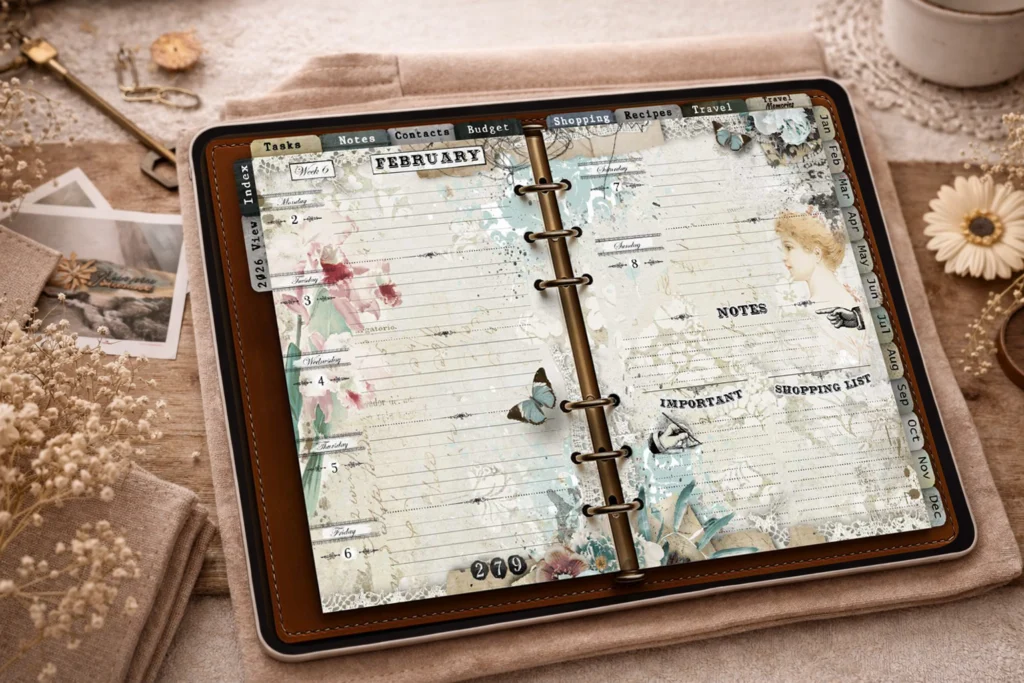
Focusing on weekly planning instead can remove a lot of that pressure. A weekly overview allows you to see priorities at a glance, make adjustments easily, and stay flexible when plans change.
Daily pages can still be useful — but they don’t have to be your starting point. Planning works best when it adapts to your energy and schedule, not when it demands constant attention.
Planning Is a Tool, Not a Performance
Digital planning doesn’t have to look aesthetic to be effective. A planner that shows adjusted tasks, rewritten notes, erased entries and imperfect handwriting is doing exactly what it’s meant to do.
When planning becomes a performance – something that has to look good or follow strict rules – it often loses its purpose. Your planner is a private space meant to support clarity, not something that needs to be shared or optimized.
Allowing your digital planner to be practical, flexible and imperfect is often what makes it sustainable in the long run.
Common Beginner Mistakes in Digital Planning
Starting with digital planning often comes with a lot of excitement – and just as many expectations.
Many beginners assume that if digital planning doesn’t work immediately, they’re doing something wrong. In reality, most frustrations come from a few very common mistakes that are easy to avoid once you’re aware of them.
This section highlights the most typical beginner pitfalls in digital planning and shows how small adjustments can make the experience much more enjoyable and sustainable.
Trying to Make Everything Look Perfect
One of the most common mistakes in digital planning is focusing too much on how the planner looks instead of how it works.
Social media often shows beautifully decorated pages, carefully curated layouts, and flawless handwriting. While these can be inspiring, they can also create unnecessary pressure — especially for beginners.
A digital planner doesn’t need to be aesthetic to be effective. Messy pages, erased entries, adjusted plans and uneven handwriting are all signs that the planner is being used in real life.
Using Too Many Stickers or Tools at Once
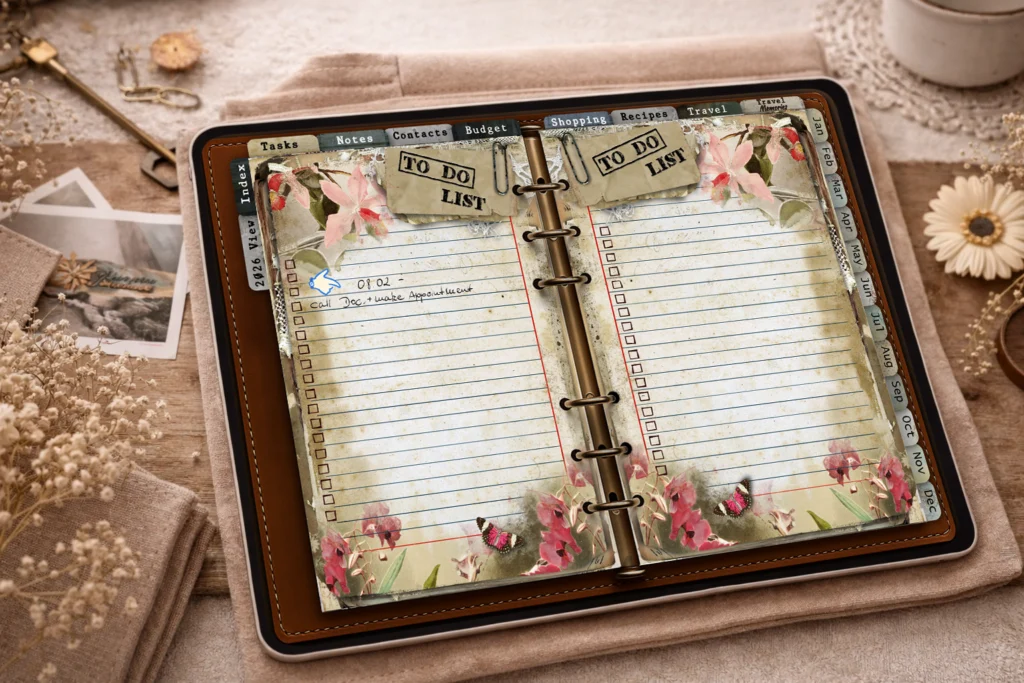
Another common beginner mistake is trying to use every available feature from the start. Stickers, colors, fonts and decorative elements can be fun – but too many of them at once often turn planning into a design project.
When digital planning becomes visually overloaded, it can be harder to focus on priorities and tasks. Instead of supporting your routine, the planner starts demanding attention.
Starting with a simple setup and adding decorative elements gradually – only if they truly support your planning – helps keep the process clear and manageable.
Switching Apps or Systems Too Often
Switching between apps, planners, or systems too frequently is another mistake that can prevent digital planning from becoming a habit.
Each new app or planner requires mental energy to learn and adapt. Constantly changing tools interrupts routine and makes it harder to build confidence in your planning process.
Giving one planner and one app enough time to settle into your daily routine is often the simplest way to discover what actually works for you.
Digital planning is not about finding the perfect system – it’s about finding one that feels supportive, flexible and easy to return to every day.
How a Well-Designed Digital Planner Supports Simple Planning
A digital planner doesn’t become helpful because it offers endless features.
What truly supports simple planning is thoughtful design — layouts that guide without restricting, structure without pressure, and enough flexibility to adapt to real life.
A well-designed digital planner doesn’t try to control how you plan. Instead, it quietly supports your thinking, your routines, and your individual pace.
Clear Layouts Reduce Mental Load
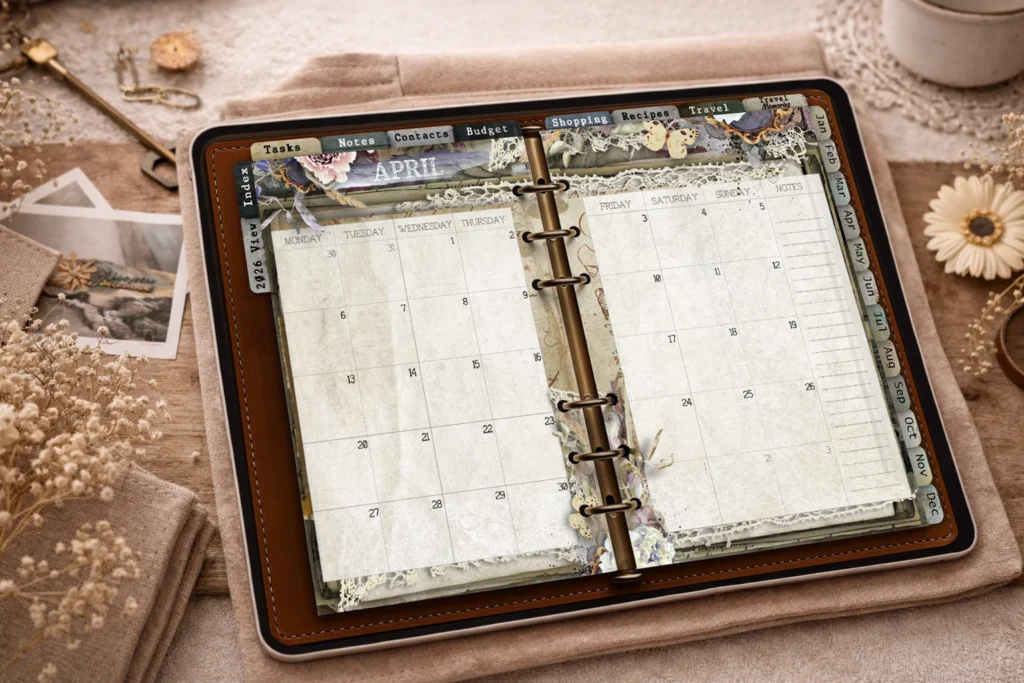
When a planner layout is clear and easy to read, your brain doesn’t have to work as hard to understand what’s important.
Well-structured pages help you focus on tasks and priorities instead of constantly re-orienting yourself. There’s less visual noise, fewer distractions, and more mental space to actually think and plan.
This is especially helpful in busy periods, when planning should feel supportive rather than overwhelming.
Consistent Structure Builds Routine
Consistency in layout plays a bigger role in planning than many people realize. When pages follow a familiar structure, planning becomes faster and more intuitive over time.
You don’t have to decide how to plan every day — you simply open your planner and continue where you left off. This reduces decision fatigue and makes it easier to return to your planner regularly.
A good digital planner supports routine by staying predictable, not by constantly introducing new elements.
Flexibility Without Pressure
One of the biggest advantages of digital planning is flexibility — but only when it’s designed thoughtfully.
A well-designed digital planner allows you to adjust plans, rewrite tasks, duplicate pages, or skip sections without making you feel like you’re “doing it wrong.”
This kind of flexibility supports real life, where plans change and routines shift. Instead of forcing perfection, the planner adapts with you.
Design That Supports, Not Distracts
Good planner design doesn’t demand attention — it creates space.
Colors, decorations, and visual elements should support orientation and mood, not compete with your tasks. When design is used intentionally, it helps planning feel calm and inviting rather than busy.
In simple planning, less visual input often leads to more clarity. A planner that stays in the background allows your thoughts to take the lead.
Frequently Asked Questions About Digital Planning on iPad
FAQ 1: Do I need internet to use a digital planner?
No, you don’t need an internet connection to use a digital planner.
Once the planner file is imported into your app, you can access and use it completely offline. This makes digital planning on iPad especially practical for travel, commuting, or planning in quiet, distraction-free moments.
FAQ 2: Can I reuse the same planner every year?
Yes, many digital planners can be reused — but only if they are undated.
Undated planners allow you to duplicate pages, reset sections, and reuse layouts year after year without any calendar conflicts.
With dated planners, this isn’t possible in the same way. Since weekdays shift every year, dates will no longer align correctly (for example, the 8th won’t fall on the same weekday).
For this reason, many people prefer starting fresh with a new planner each year, especially when using dated layouts. Both approaches work – it simply depends on whether you value continuity or a clean reset.
FAQ 3: Is digital planning suitable for work and personal life?
Digital planning can work well for both work and personal life, especially when everything is kept in one place.
Some people use a single planner for all areas, while others prefer separating work and personal planning into different sections or planners. The key is choosing a setup that feels clear rather than crowded.
Finding Your Own Way with Digital Planning on iPad
Digital planning on iPad doesn’t have to follow a fixed system or aesthetic standard. What matters most is that it supports your way of thinking, organizing and planning your days.
Whether you prefer weekly overviews, simple to-do lists or a combination of digital and paper planning – there is no single right approach. The most sustainable planning system is the one that feels easy to return to, even on busy or unproductive days.
A well-designed digital planner can offer structure without pressure, flexibility without chaos, and clarity without overwhelm. When planning feels supportive rather than demanding, it naturally becomes part of your routine.
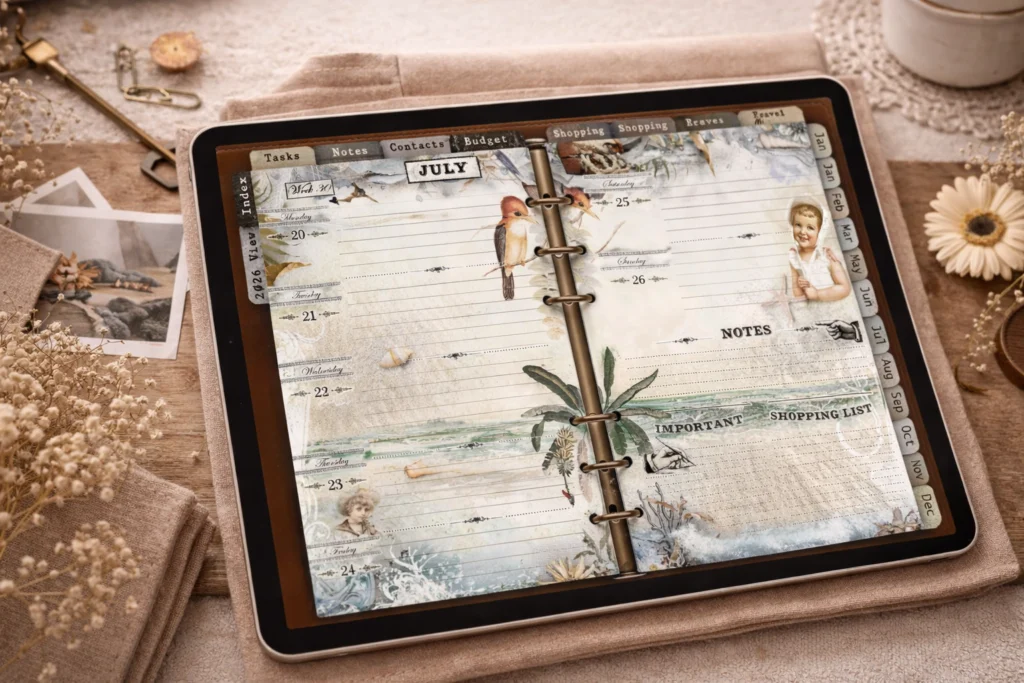
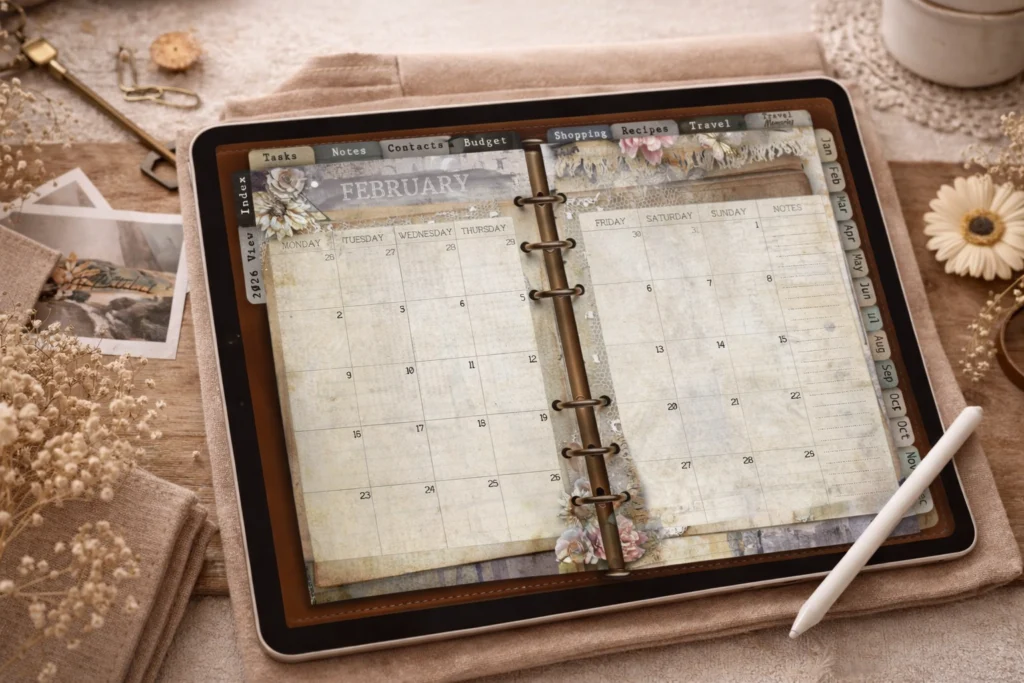
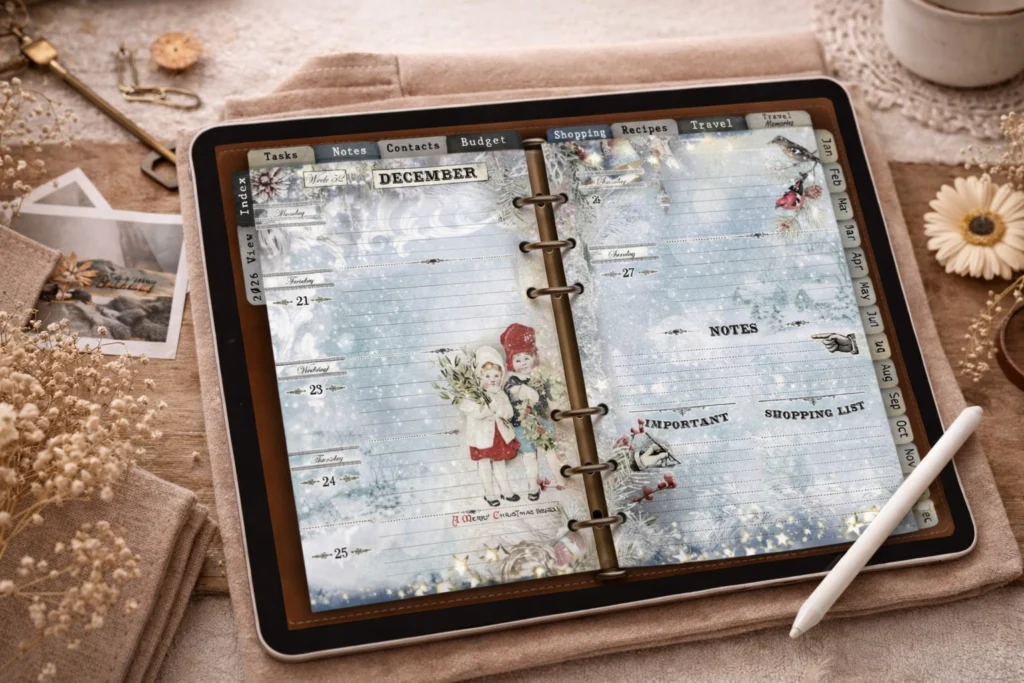
If you’re curious how this approach looks in practice, I’ve applied the same principles to a thoughtfully structured digital planner designed for calm, intentional planning – combining clear layouts with a more expressive, illustrated style.
Take your time to explore, adjust, and simplify. Digital planning is not about doing more – it’s about creating space for what matters most.