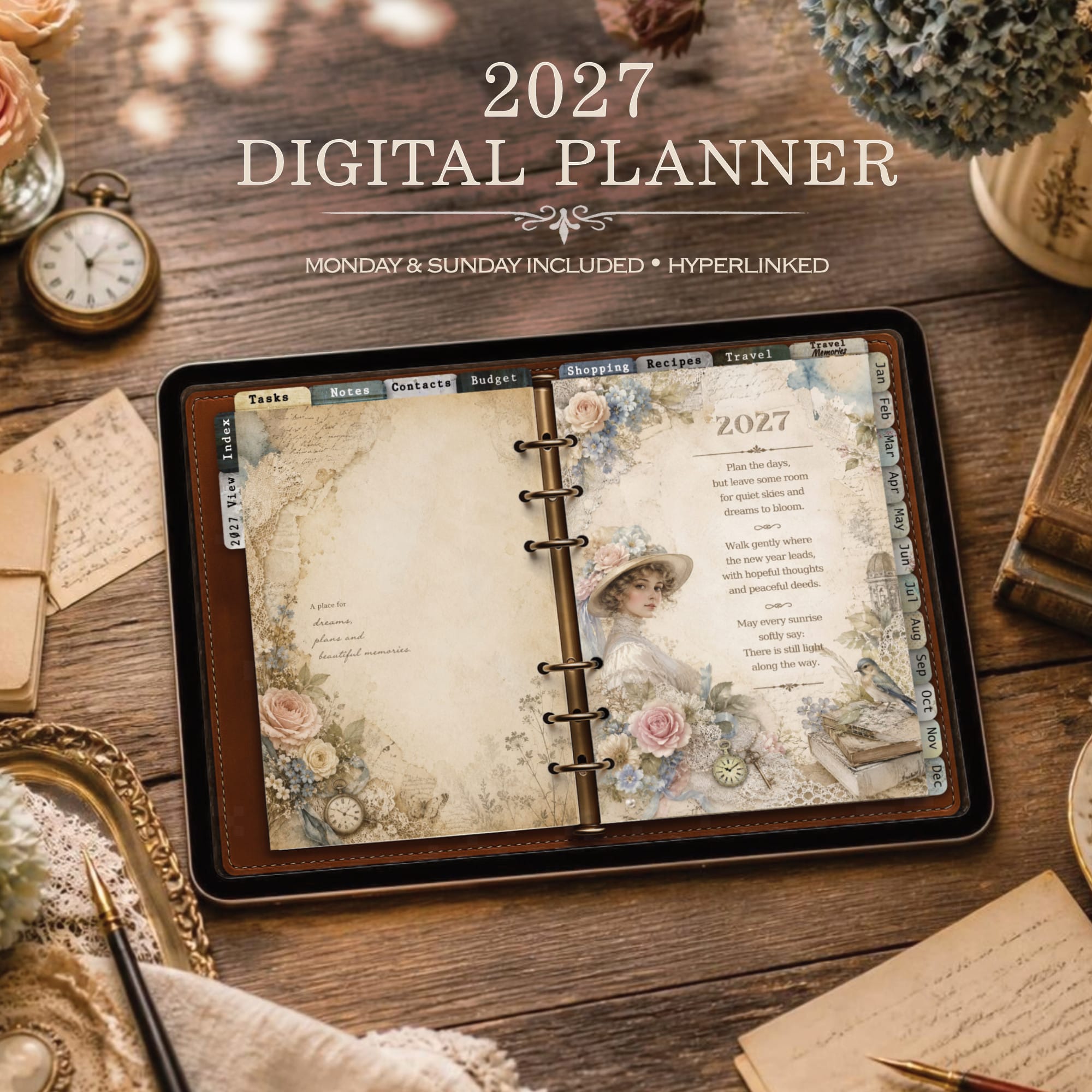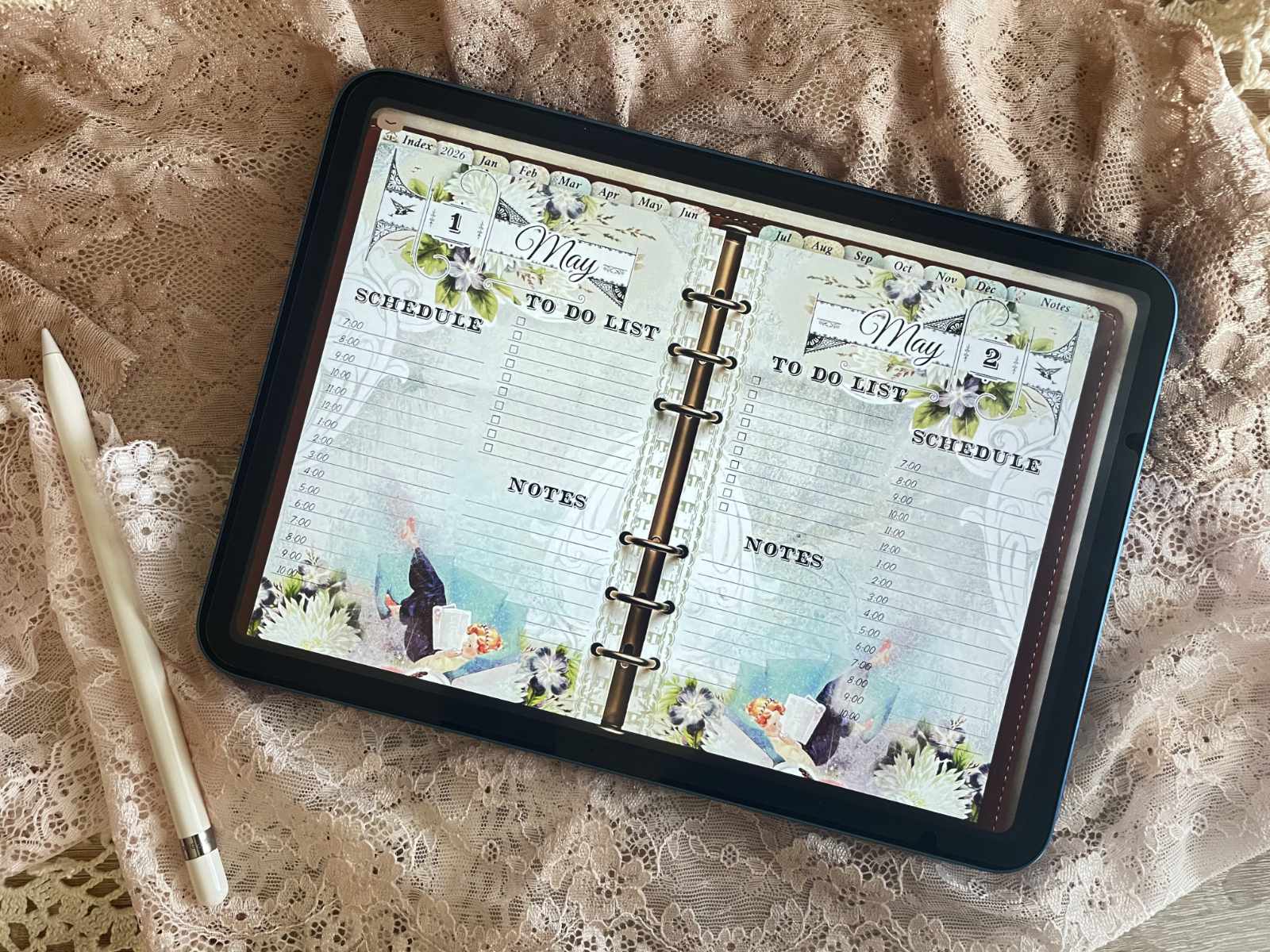

Digital Planners for GoodNotes & Note-Taking Apps
Organize Your Life


Digital planners are such an easy and flexible way to organize your life, especially on an iPad.
What I love about digital planning is how simple everything feels – you tap, write, move things around and if something doesn’t work, you just undo it.
Used in note-taking apps like GoodNotes, digital planners make planning feel intuitive, creative and surprisingly fun (fair warning: it can be a little addictive).
What Is a Digital Planner?

A digital planner is basically a planner you use on a tablet or device instead of on paper.
It looks like a classic planner, but you use it inside a note-taking app where you can write by hand, add stickers, move things around or simply undo whatever didn’t work.
Many people use digital planners on an iPad, but they can also be used on other tablets that support note-taking apps.
What makes digital planners special, and this makes me excited about them, is how flexible they are – you’re not stuck with one layout, one pen or one mistake. Everything can be adjusted until it feels right.
If you’re new to digital planning and would like a more detailed explanation of how digital planners work, you can read my beginner-friendly guide here.
Digital Planner vs Printable Planner
Both digital planners and printable planners help you stay organized, but they work in very different ways.
Printable planners are printed and used on paper, while digital planners are used inside note-taking apps on a tablet or device.
Personally, I use both — and I really enjoy that combination.
I love the feeling of writing on real paper, holding a planner in my hands, and flipping through the pages.
My paper planner usually stays right on my desk, so I can quickly write things down whenever a new idea comes up or something important pops into my head.
At the same time, I also appreciate the flexibility of digital planning.
That’s one of the reasons why I use a paper-like screen protector on my iPad.
It makes writing with the Apple Pencil feel much more natural — surprisingly close to writing on real paper.
This way, digital planning still feels hands-on and creative, just with a lot more flexibility.
There’s no right or wrong choice here.
Some people prefer one over the other, and many find their own balance by using both, depending on their planning style and everyday needs.
If you’d like to explore paper-based planning in more detail, you can take a look at my printable planners here.

Using Digital Planners in Note-Taking Apps
Using a digital planner inside a note-taking app is surprisingly intuitive.
Once your planner is imported, you can write directly on the pages and start planning right away.
You can replan things, move unfinished tasks from the day before, highlight important dates, add stickers and adjust everything whenever and wherever you need.
One of my favorite things about digital planners is how forgiving they are.
If something doesn’t look right, you simply undo it.
You can duplicate pages, try different layouts, or change your planning style without having to start over.
Most note-taking apps and digital planners also make navigation very easy.
Everything is hyperlinked, which means tabs, links and bookmarks help you jump between sections quickly.
Before I used a digital planner for the first time, I never thought planning could be this much fun – or this enjoyable.

Getting Started with Digital Planning
Getting started with digital planning doesn’t have to be complicated.
You don’t need a perfect setup or a finished system right away – just a tablet, a note-taking app and a bit of curiosity to try things out.
Most people start simple and adjust their planner over time.
That was definitely the case for me as well.
Things fell into place gradually, but I can honestly say that I loved digital planning from the very first moment.
It was one of those small “wow” moments you don’t really expect.
That’s part of what makes it so enjoyable: you can experiment, change things, and slowly find a workflow that feels right for you.
This page gives you a first impression of digital planning.
I’ll be sharing more tutorials, guides and app experiences over time – everything I’ve learned while finding my own way into digital planning.
For a calm, step-by-step introduction, you can start with this beginner-friendly guide on how to use a digital planner on iPad.
If you’re ready to try digital planning yourself, you can explore my collection of digital planners for iPad — each designed with a different atmosphere and structure, from calm and minimal to fully illustrated daily layouts.
Take a look at the current digital planners here.
My own digital planning journey wasn’t perfect – and it still isn’t.
I’ve tried different apps, layouts and setups, made mistakes and learned a lot along the way.
That’s exactly what I want to share here: real experiences, not a perfect system.
From the Journal

🌄 An Antique Sanctuary on Your iPad: The Art of Vintage Digital Planning
There is a unique comfort in the scratch of a fountain pen on old paper, the smell of ancient books, and quiet moments at a wooden desk. For many of us, traditional journaling is a beautiful ritual. For a long time, I thought I could never switch to digital planning. But modern life is fast,…

Vintage Daily Digital Planner 2026 – Behind the Design
I had been thinking for quite a while about how I could design the perfect planner for myself. I knew one thing for sure: I need space. A lot of space. I always write more than I think I will. Weekly layouts look nice, but for me they usually end up being just a quick…