

What Is a Digital Planner?
A Beginner-Friendly Explanation


A digital planner is an interactive planning file used on a tablet or digital device inside a note-taking app.
It combines the familiar structure of a paper planner with the flexibility of digital tools, allowing you to plan by writing, typing and navigating through linked sections.
It looks similar to a traditional paper planner, but it is used inside a note-taking app where you can plan digitally – either by writing by hand or by typing text using a text tool.
This means you don’t need to start with a stylus right away.
You can simply type, add text boxes, move things around, erase mistakes, duplicate pages or try different layouts until everything feels right.
Unlike a paper planner, nothing is final – if something doesn’t work, you can undo it, adjust it or start over without losing the entire page.
Navigation also feels very different.
Instead of flipping through pages, you swipe, tap or use tabs and links to move between sections quickly and intuitively.
When I imported my first digital planner and started using it, I honestly didn’t expect to enjoy it this much.
From the very first moment of writing and planning digitally, something clicked – and yes, it can feel a little addictive in the best possible way.
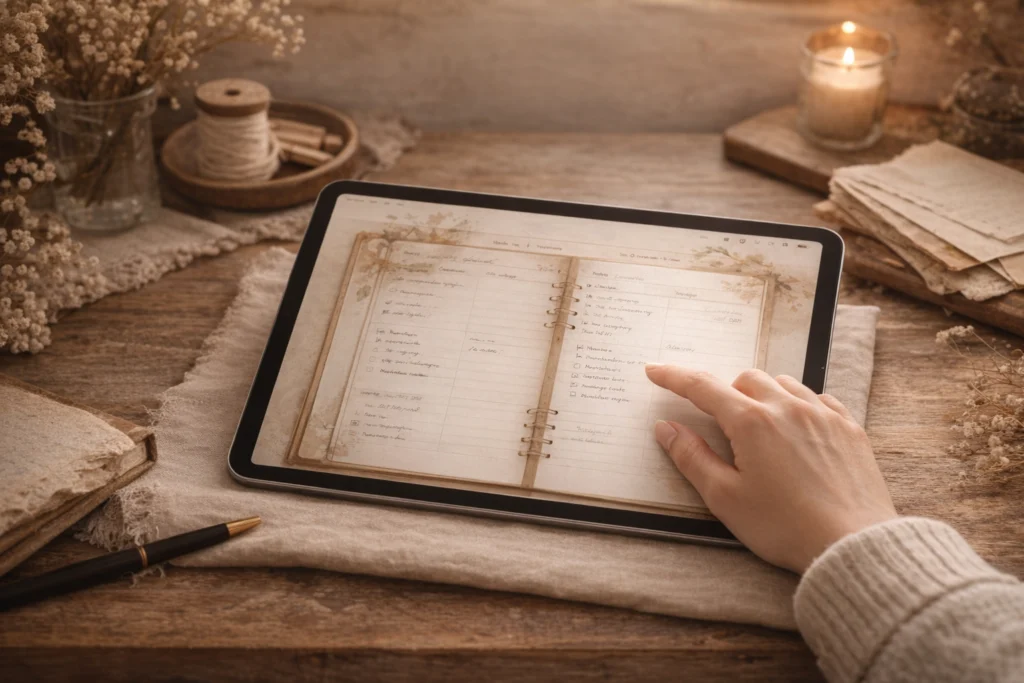
A Simple Definition of a Digital Planner
A digital planner is an interactive planning file that is used inside a note-taking app on a tablet or digital device.
It is designed to help organize everyday life, personal plans, and routines – but it can also be used for work-related planning, projects or business tasks, depending on how you choose to use it.
Unlike traditional documents or simple PDF files, digital planners usually include linked pages, tabs, and sections.
These links allow users to jump between days, weeks, months, or specific sections with a single tap.
Even though digital planners are used digitally, they are often designed to resemble the structure of a classic paper planner.
This familiar layout makes digital planning easy to understand, especially for beginners.
How Does a Digital Planner Work?
It’s Not an App – It’s a File
A digital planner is not an app by itself.
It is a file – usually a PDF – that you import into a note-taking app on your tablet or device.
Once the file is imported, the planner becomes interactive.
Similar to navigating a website, you can tap on tabs, buttons and linked sections to move through the planner and access different pages.
You can write or type on the pages, add notes, move elements around, duplicate pages and adjust your planning whenever needed – all without changing the original file structure.
This setup makes digital planners very flexible.
You choose the app you like and use the planner inside it, instead of being locked into a single system.
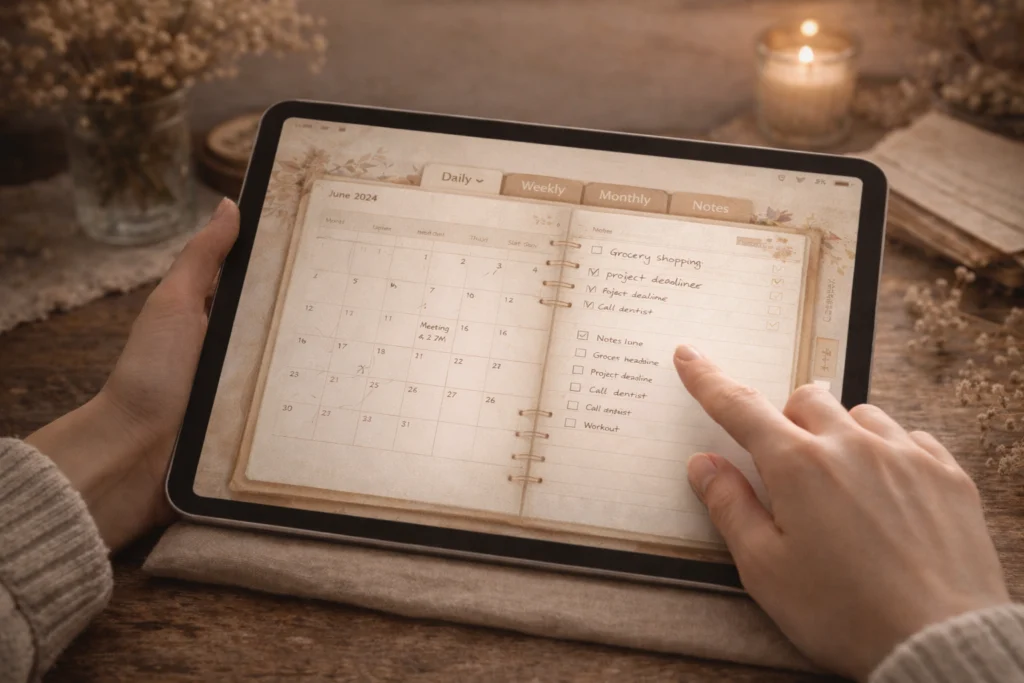
Navigation, Tabs & Hyperlinks
Digital planners use links to make navigation quick and intuitive.
Instead of flipping through pages, you tap on tabs, buttons or links to jump between different sections.
This can include daily, weekly or monthly pages, as well as notes, lists or custom sections.
With just a tap, you can move back and forth through the planner and access what you need without endless scrolling or searching.
This kind of navigation is what makes digital planners feel smooth and easy to use, even for beginners.
Who Is a Digital Planner For?
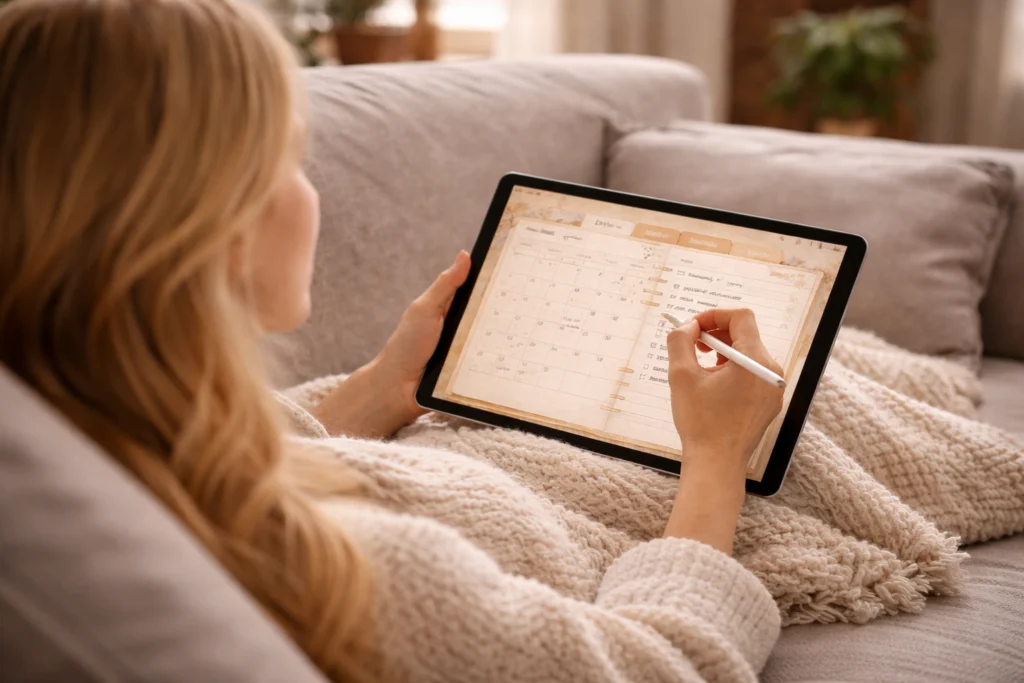
Digital planners can be used by many different people, regardless of experience, planning style or daily routine.
They are especially helpful for anyone who enjoys flexibility and likes adjusting their planning system over time instead of sticking to one fixed format.
Digital planning works well for everyday life – such as personal schedules, appointments, habits and creative planning. It can also support work-related tasks, projects or small business organization – for example as a flexible content or planning tool.
How you use a digital planner depends entirely on your needs and lifestyle.
Many beginners appreciate digital planners because they are forgiving.
You can experiment, change layouts, try new routines and refine your planning style without the pressure of getting everything right from the start.
At the same time, digital planners can grow with you.
As your planning needs change, your planner can adapt – whether you use it casually, creatively or as a structured tool for daily organization.
What You Need to Start Digital Planning
Getting started with digital planning doesn’t require a complicated setup.
You don’t need special tools or a perfect system — just a few basic things to begin.
To use a digital planner, you’ll need a tablet or digital device that supports note-taking apps, along with a digital planner file.
Most people also use a note-taking app to open and use their planner, but the exact app you choose is a personal preference.
Writing with a stylus can make digital planning feel more natural, but it’s completely optional.
You can also type, add text boxes, and plan digitally without writing by hand at all.
Many people start simple and adjust their setup over time.
Digital planning is flexible by nature — you can experiment, change things, and slowly find what works best for you.
Quick Starter Checklist
A simple overview to help you get started without overthinking it.
- A tablet with stylus support
(an iPad with Apple Pencil is often the easiest option for beginners) - A note-taking or PDF annotation app
(choose one that feels intuitive to you) - A digital planner PDF file
(free or low-cost planners are great for testing and experimenting) - A little time to explore
(30–60 minutes is usually enough to import the planner and play around)
Once you have a basic setup in place, the next step is learning how digital planning works in everyday use. This beginner-friendly guide shows how to use a digital planner on iPad step by step, without overwhelm.
Digital Planner vs Paper Planner (Short Overview)
Both digital planners and paper planners can be helpful tools – the right choice depends on your personal preferences and planning style.
- Digital planners are used on a tablet or device and offer flexible layouts, easy editing and interactive navigation.
- Paper planners are printed and written on by hand, offering a tactile, screen-free planning experience.
- Digital planning allows you to undo, duplicate and rearrange pages, while paper planning is more fixed once something is written down.
- Paper planners don’t require devices or apps, while digital planners keep everything in one place and easy to carry.
- Many people enjoy combining both, using each for different purposes.
Common Misconceptions About Digital Planners
When people first hear about digital planners, a few common concerns often come up.
Many of these misconceptions are based on assumptions – not on actual experience.
“Digital planning feels impersonal.”
While digital planners are used on a screen, they can still feel creative and personal.
Handwriting, colors, layouts and flexible pages allow you to make your planner your own.
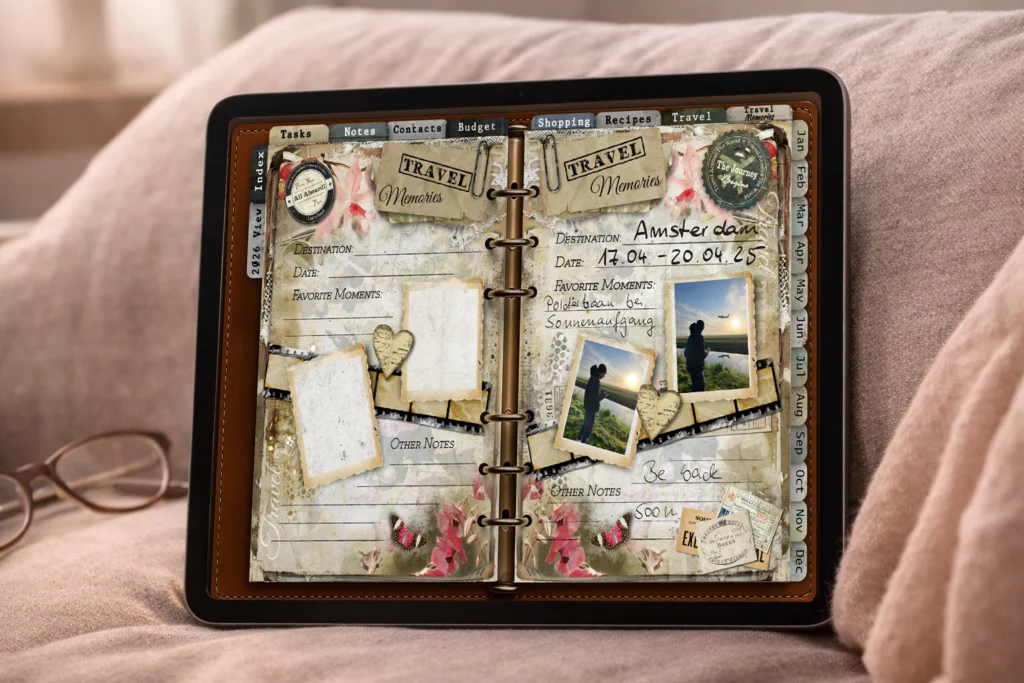
Photos, handwritten notes, memory pages and creative layouts allow digital planners to hold real moments and experiences.
For many people, digital planning becomes a mix of planning, journaling and memory keeping – all in one place.
“Digital planners are too complicated.”
In reality, most digital planners are designed to be intuitive and easy to use.
You don’t need technical knowledge to get started, and you can learn everything step by step at your own pace.
“You need special tools or a perfect setup.”
Digital planning doesn’t require expensive equipment or a finished system.
You can start simple, use what you already have and adjust your setup over time.
“Once you start, you’re locked into one way of planning.”
One of the biggest advantages of digital planning is flexibility.
You can change layouts, routines or even your entire planning style whenever you want.
Is a Digital Planner Right for You?
Whether a digital planner is right for you depends entirely on how you like to plan and what you need from it.
Some people enjoy the flexibility and creativity of digital planning right away, while others prefer to explore it slowly alongside paper planning.
Digital planners work especially well if you like adjusting layouts, experimenting with routines or keeping everything in one place – from everyday plans to notes, ideas and memories.
At the same time, there’s no pressure to use every feature or follow a specific system.
The best way to find out if digital planning works for you is simply to try it.
Start small, explore at your own pace and see how it feels in your daily life.
If you’d like to try digital planning yourself, you can take a look at my Digital Planner for iPad 2026, designed for calm and intentional planning.
This was a brief overview of what digital planning actually is.
If you’re just getting started and would like a general introduction, you can explore the Digital Planner overview here.