
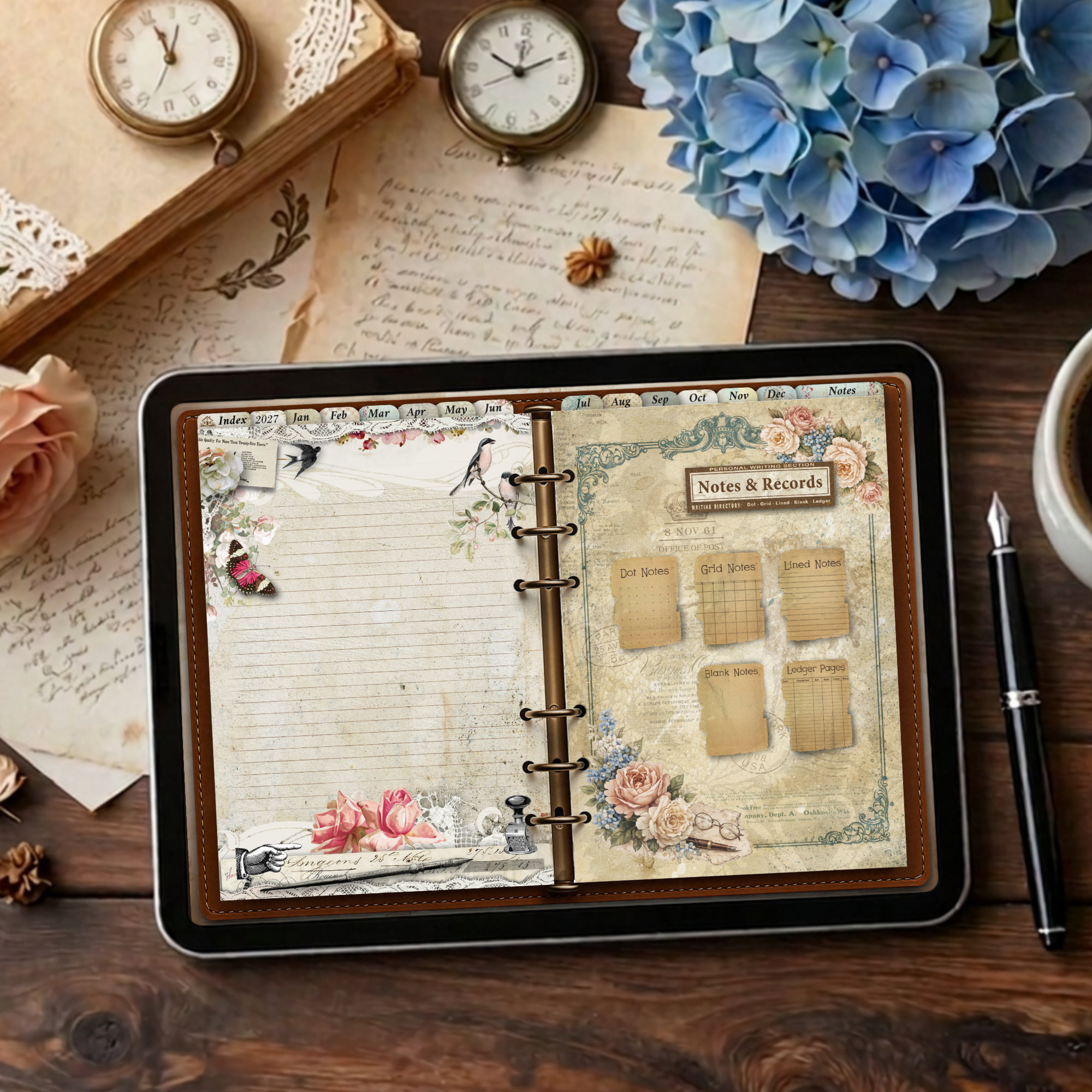
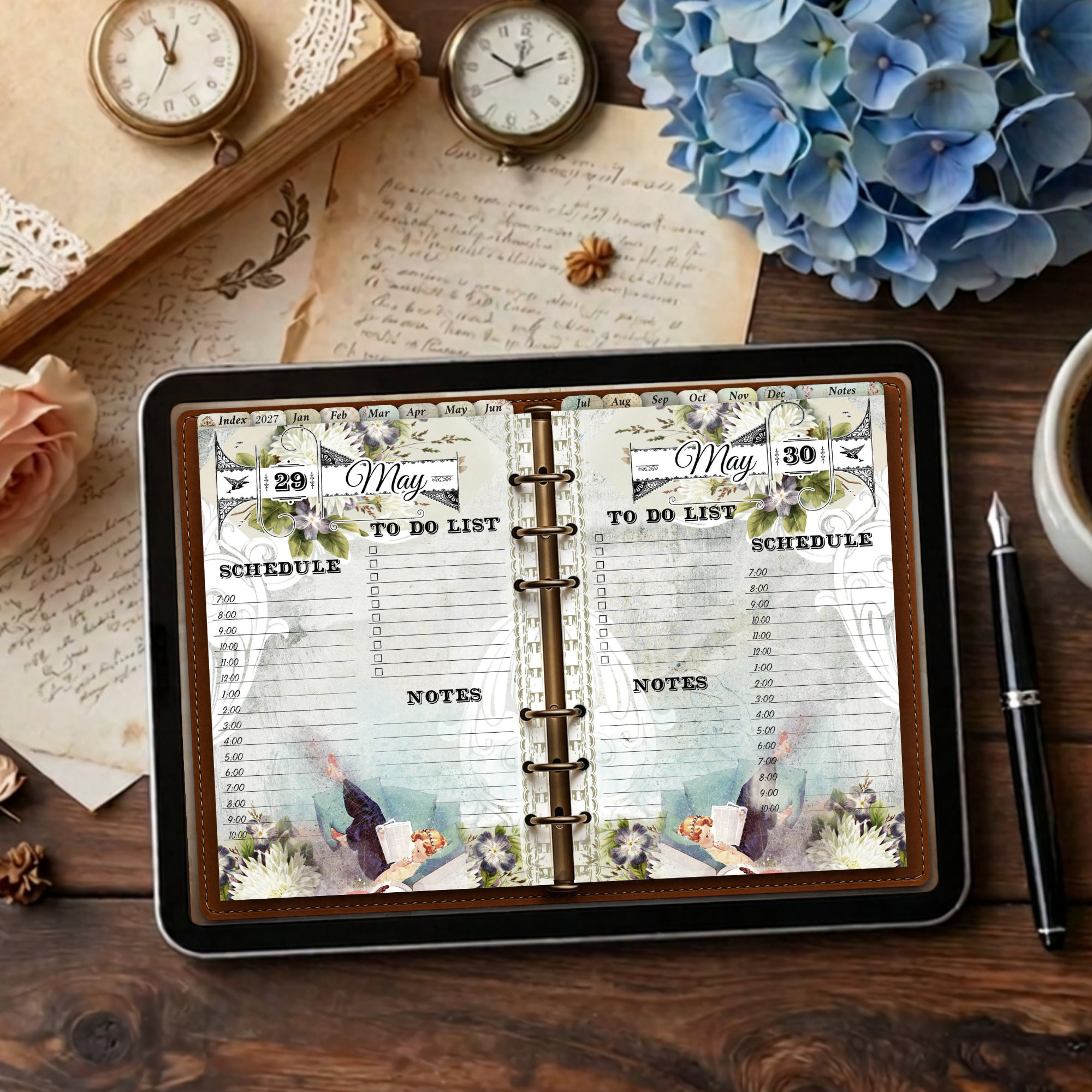
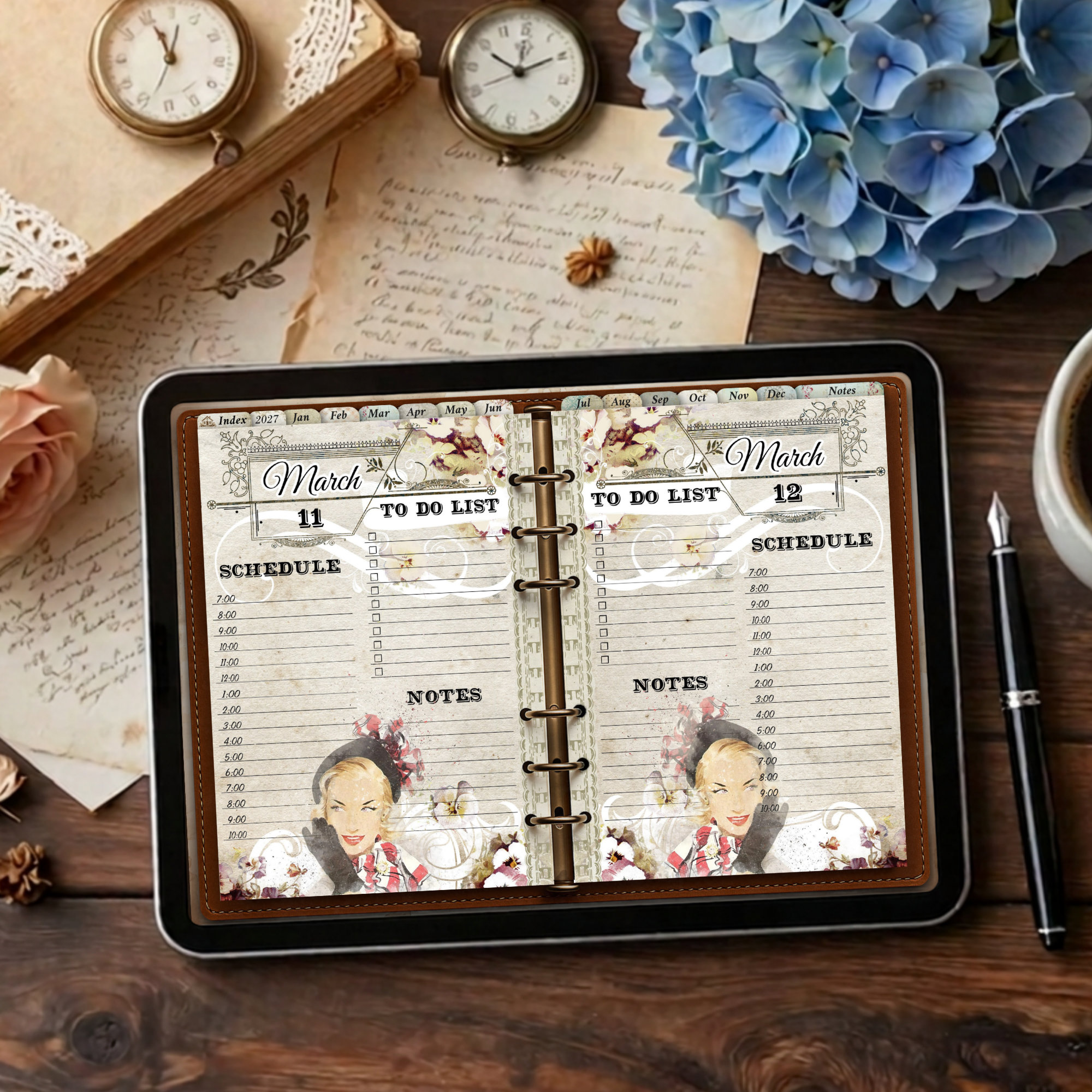
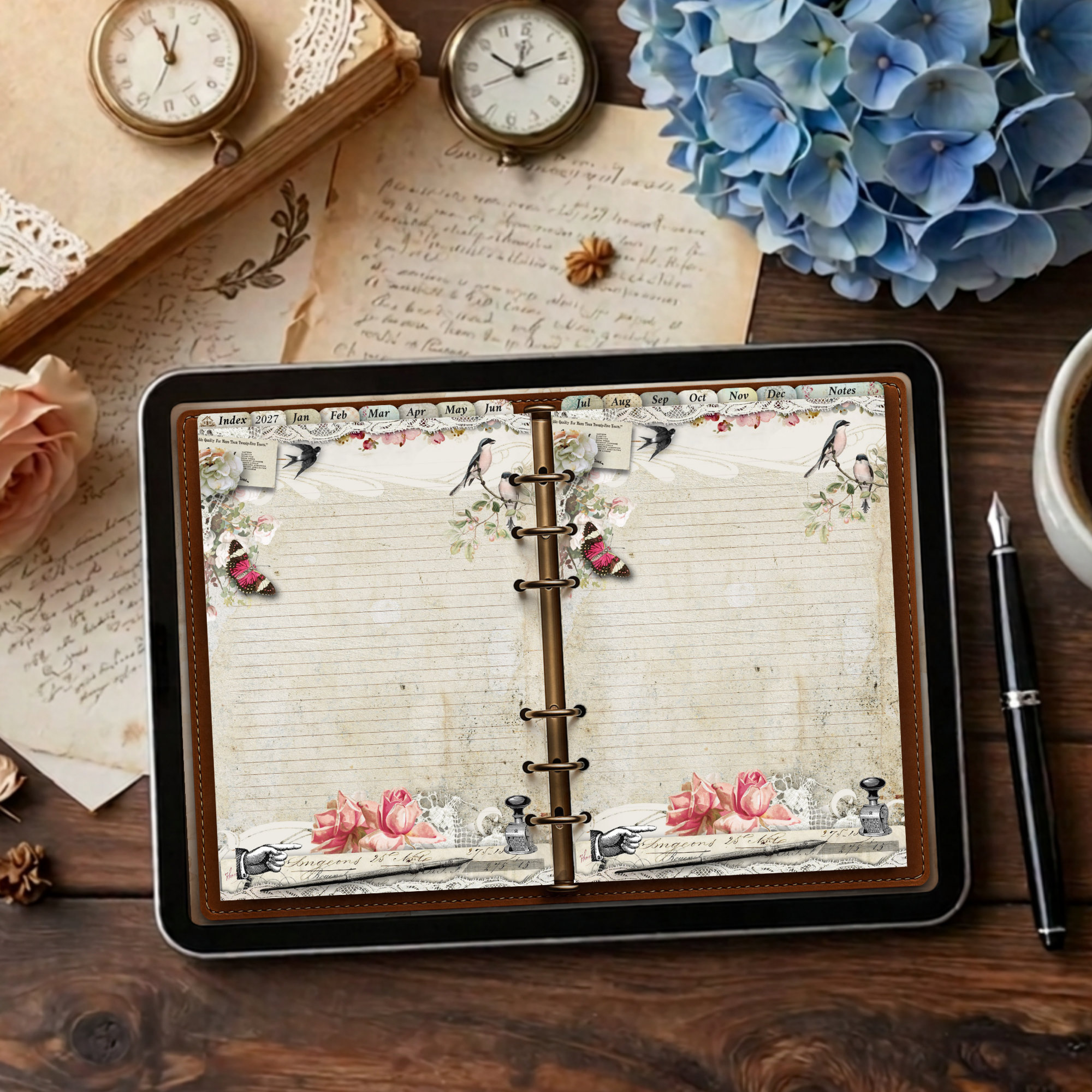
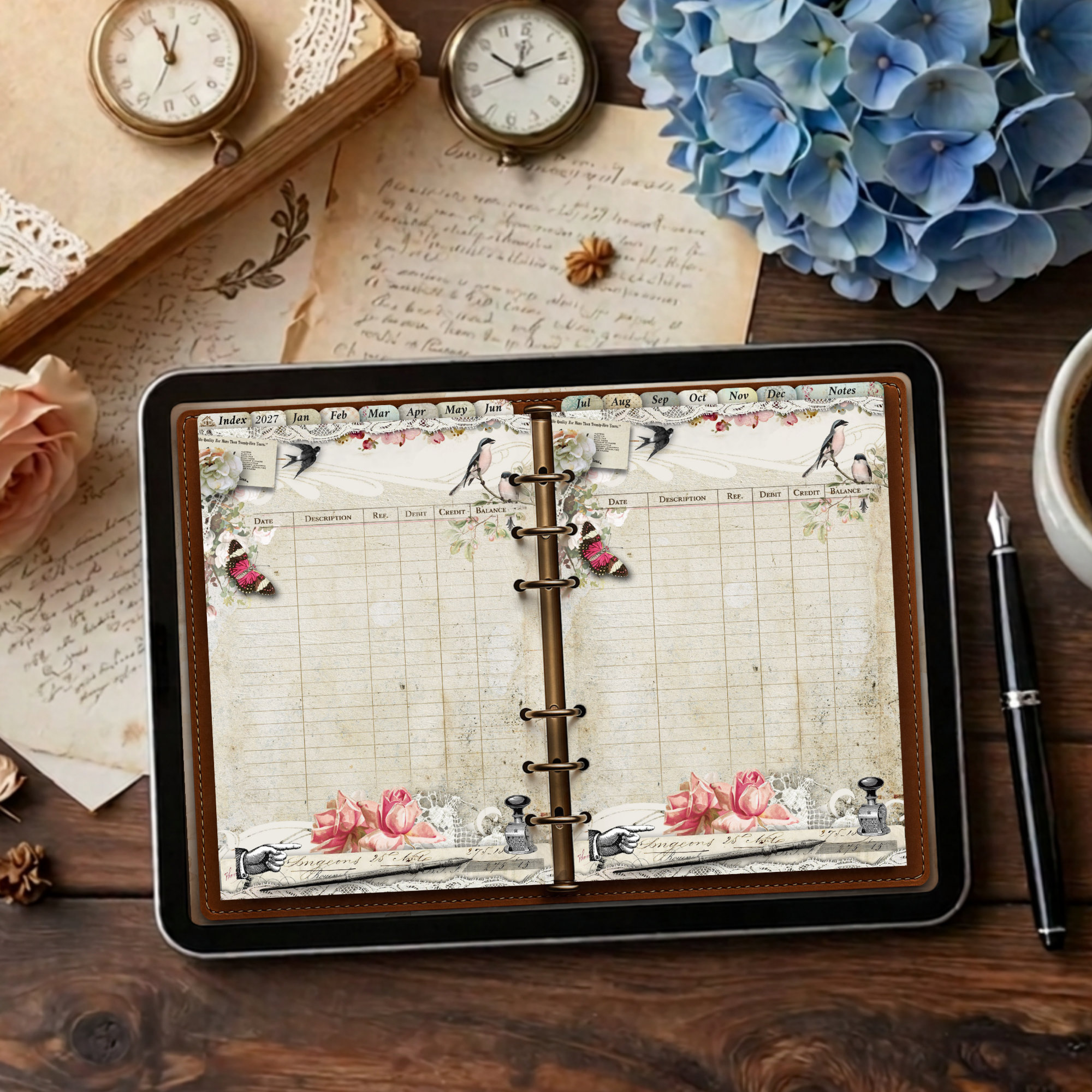
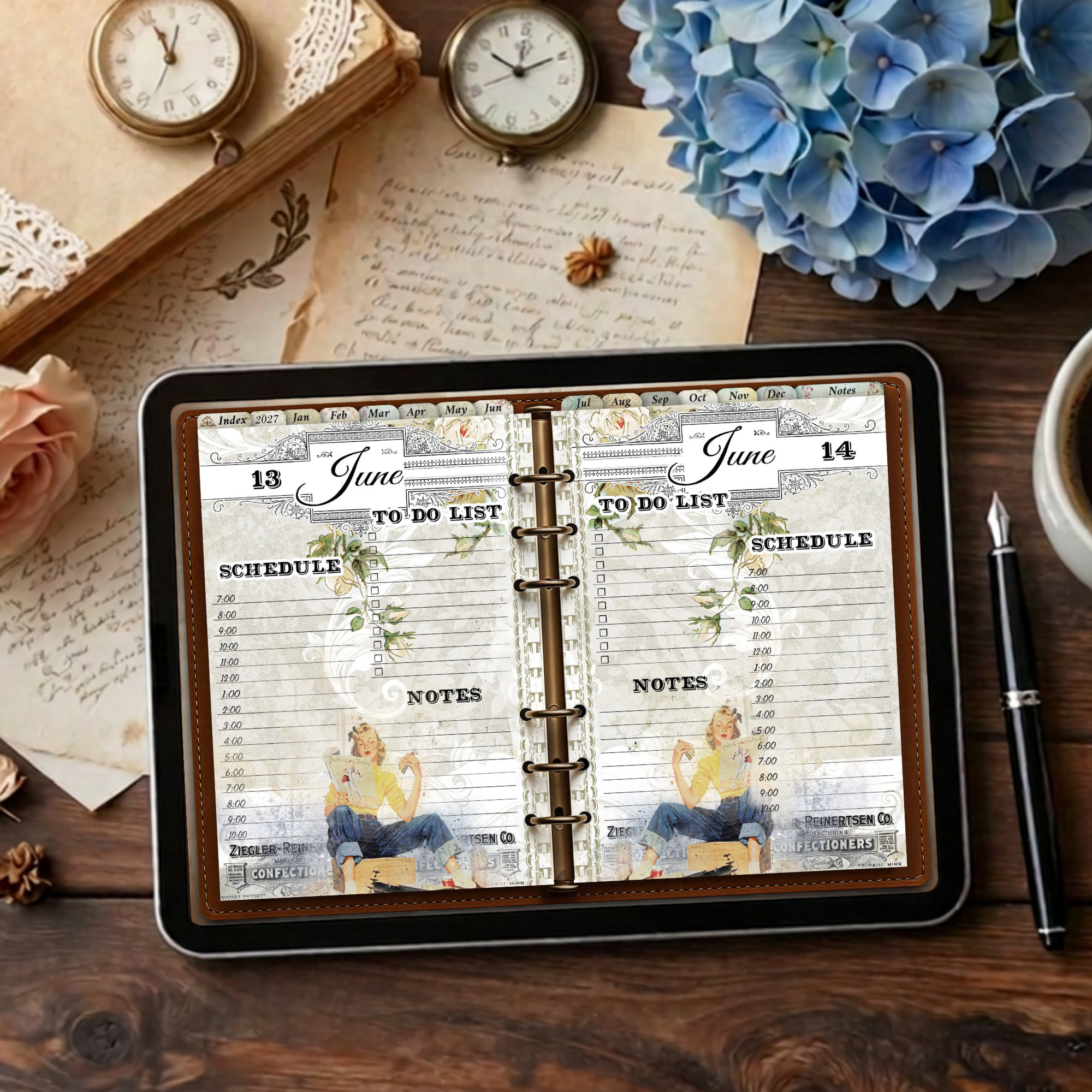
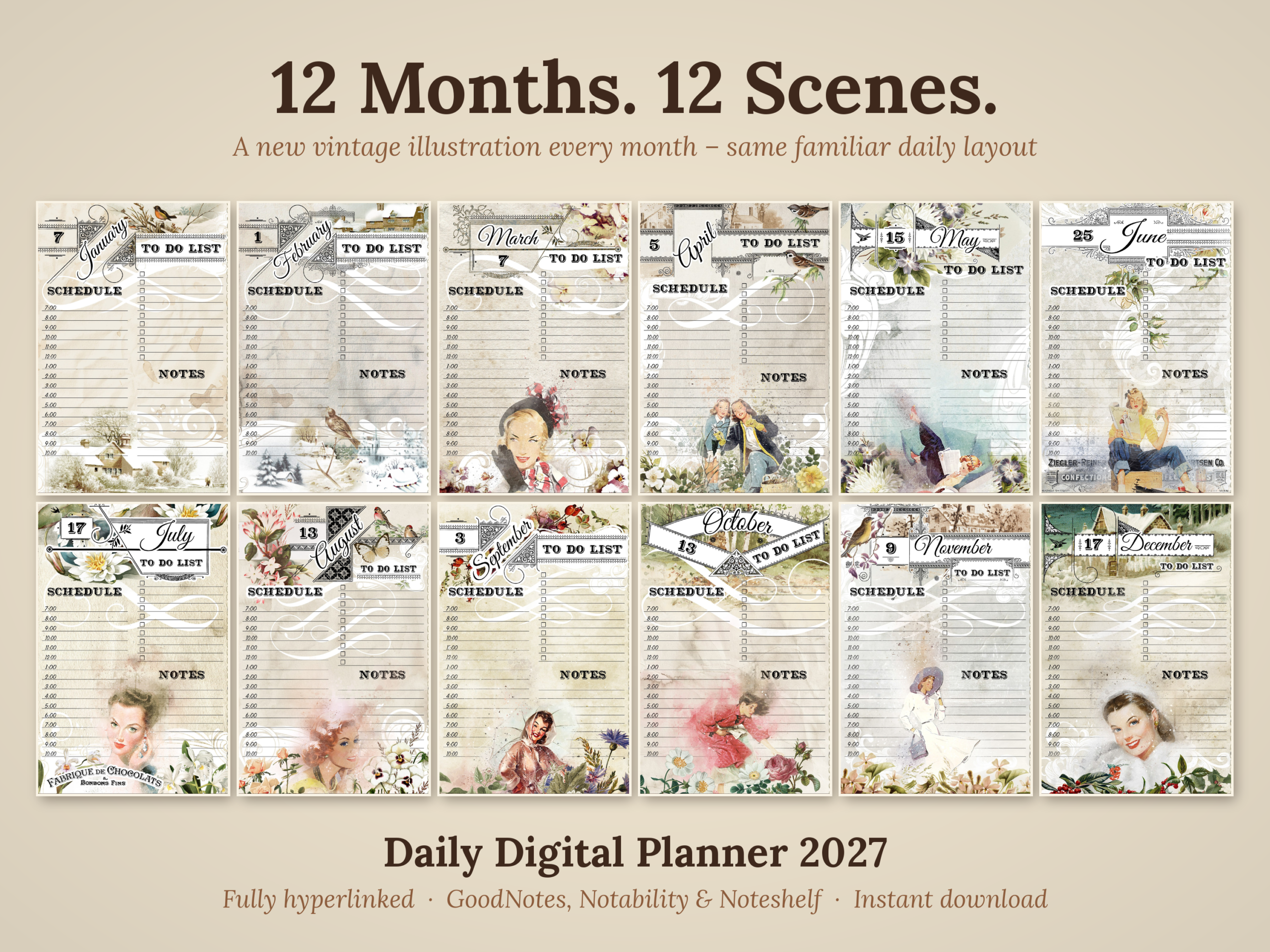
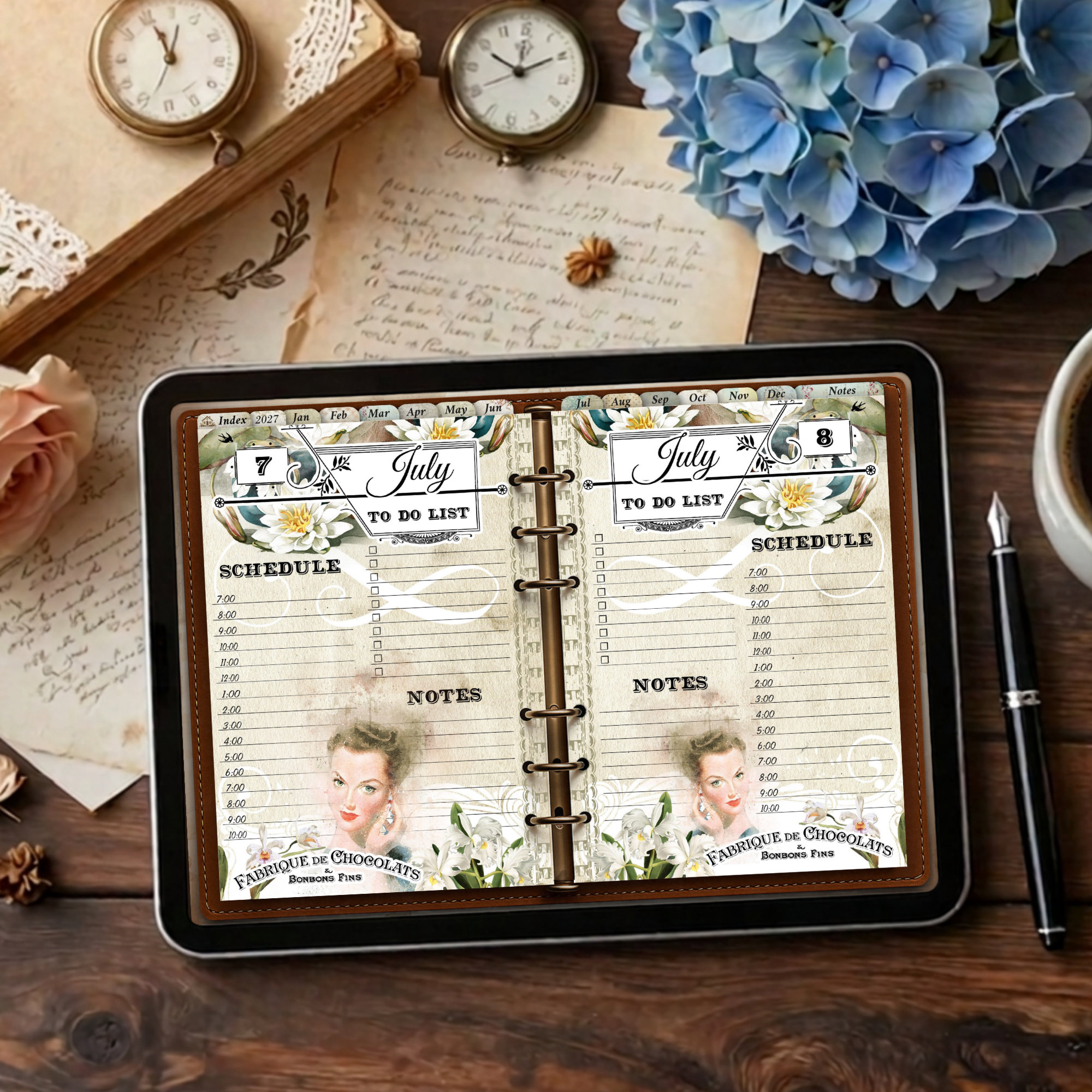
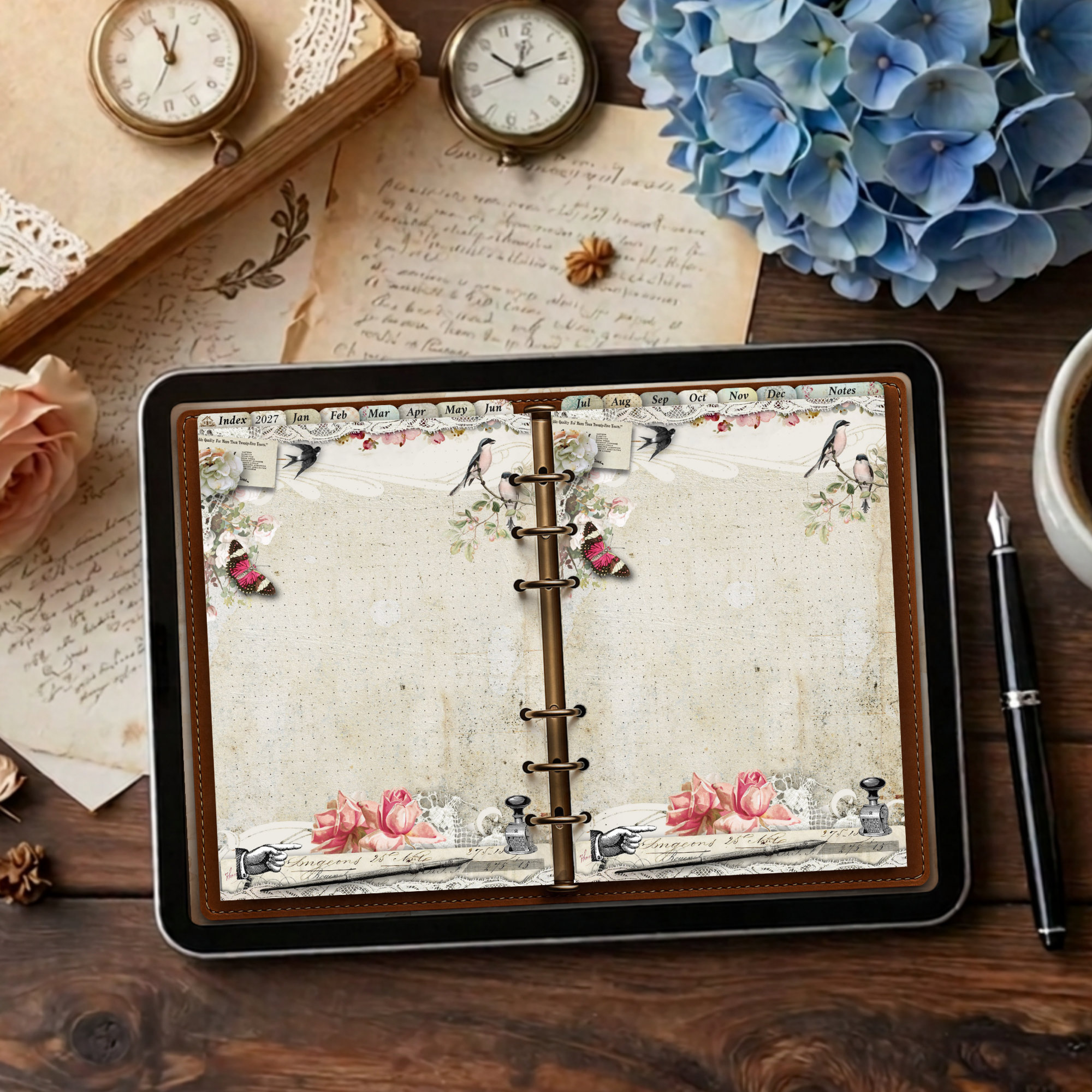
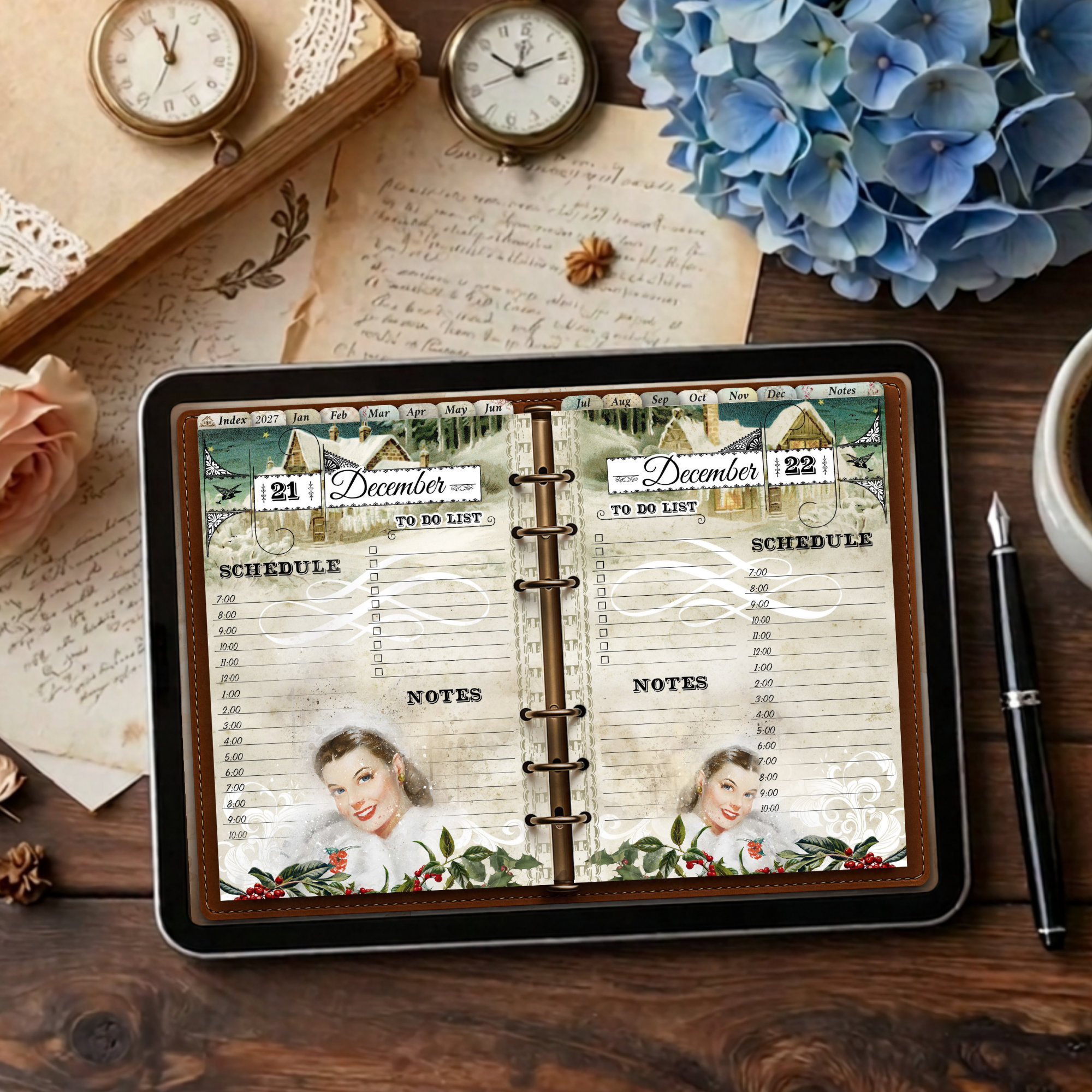
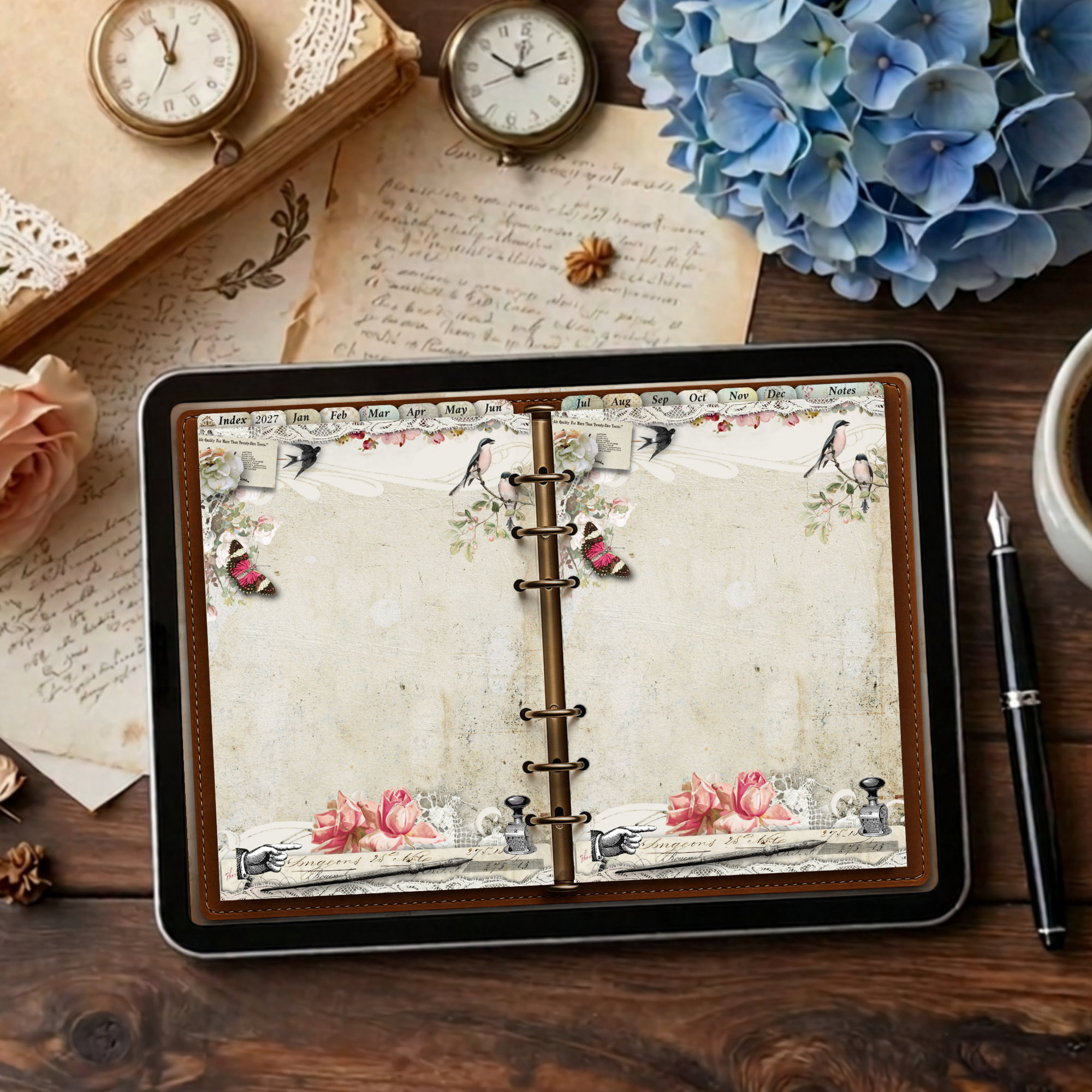
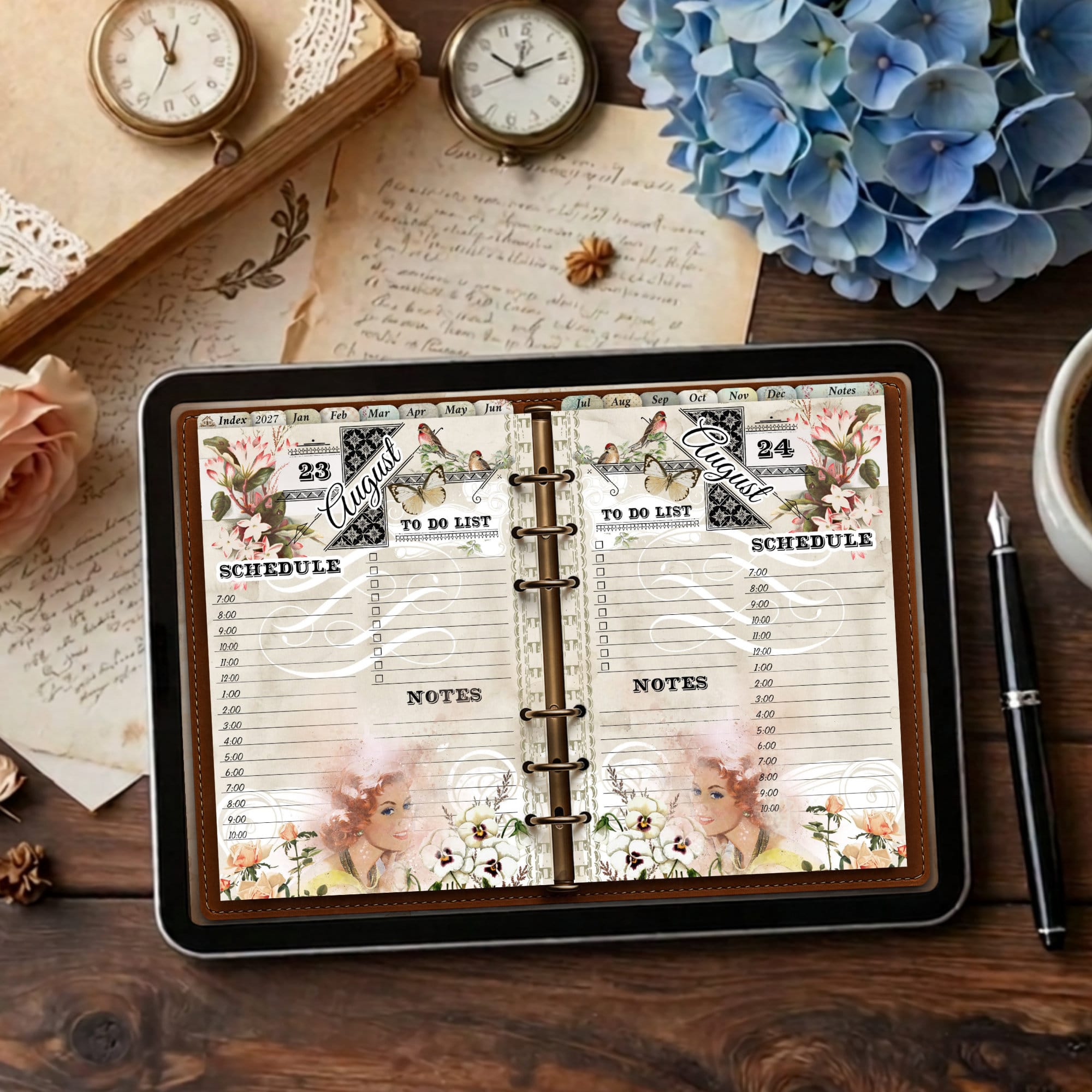
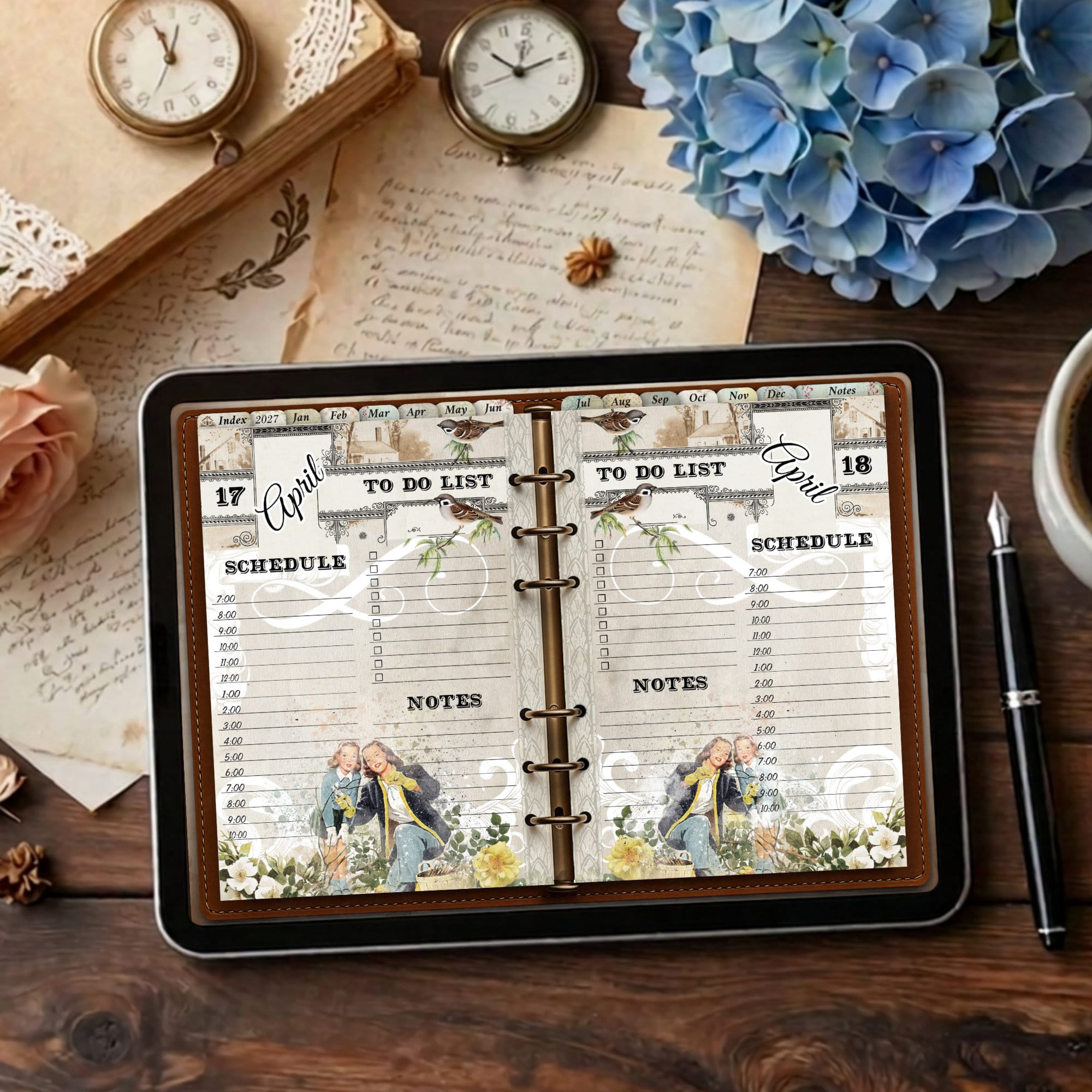



A daily planner that changes with the seasons
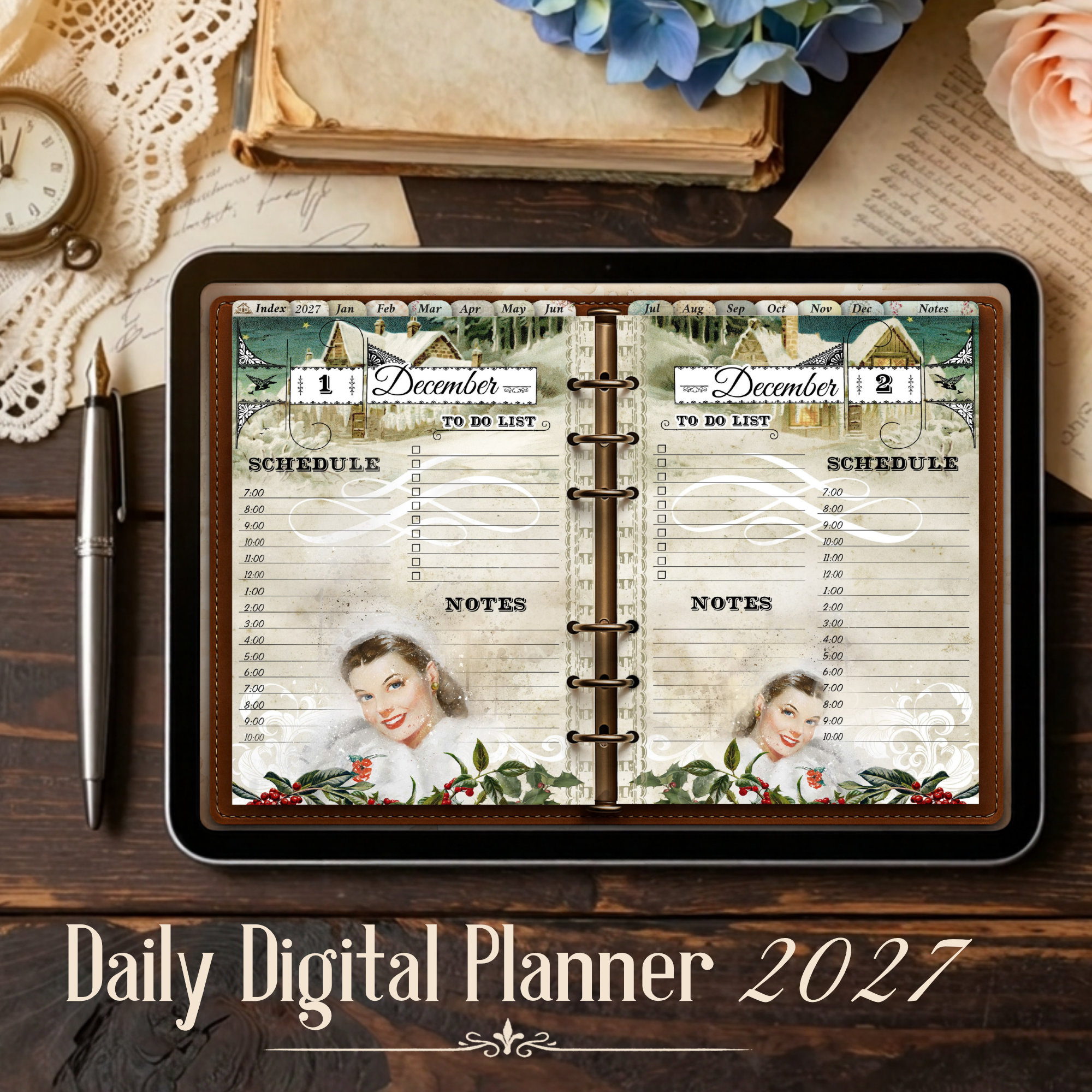
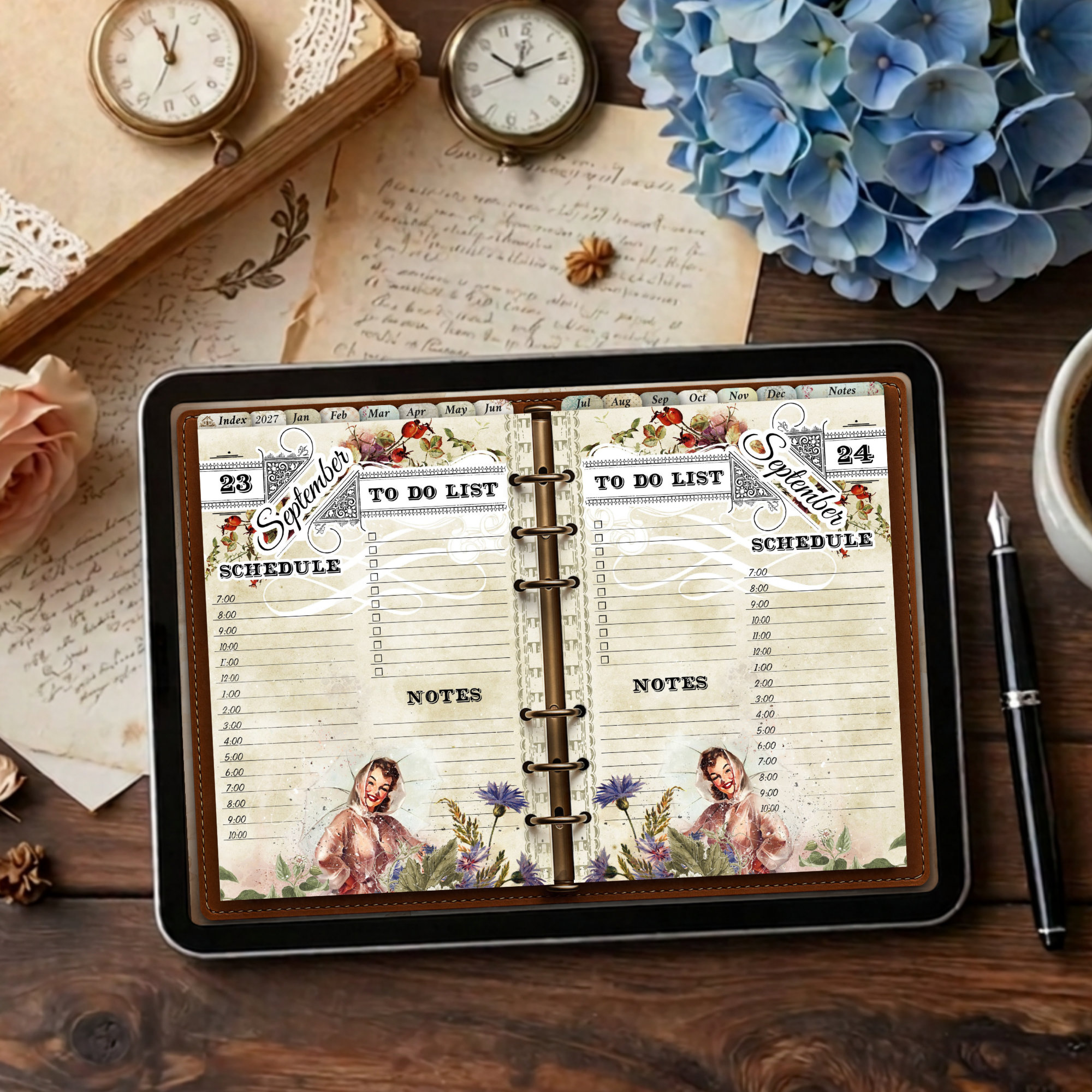
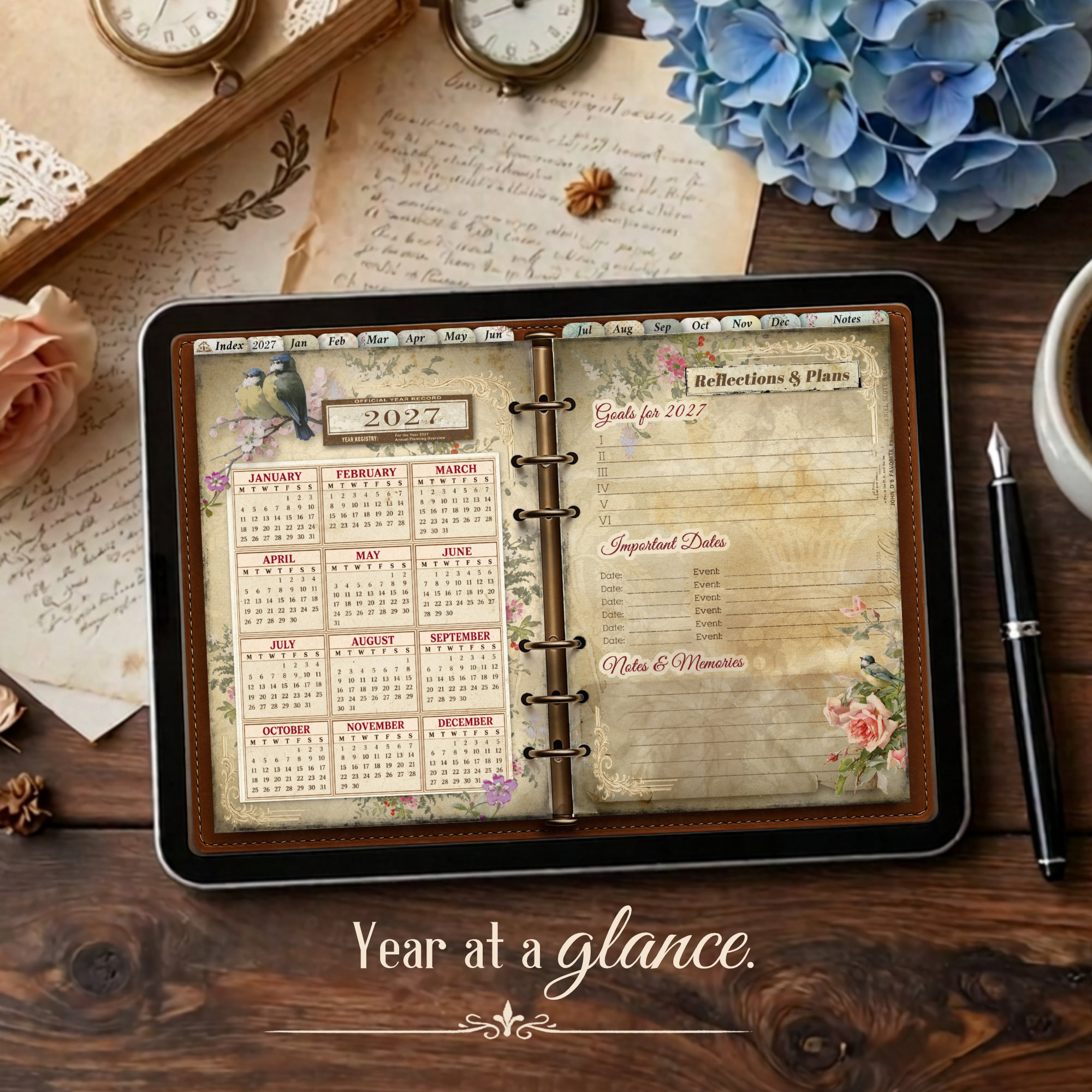
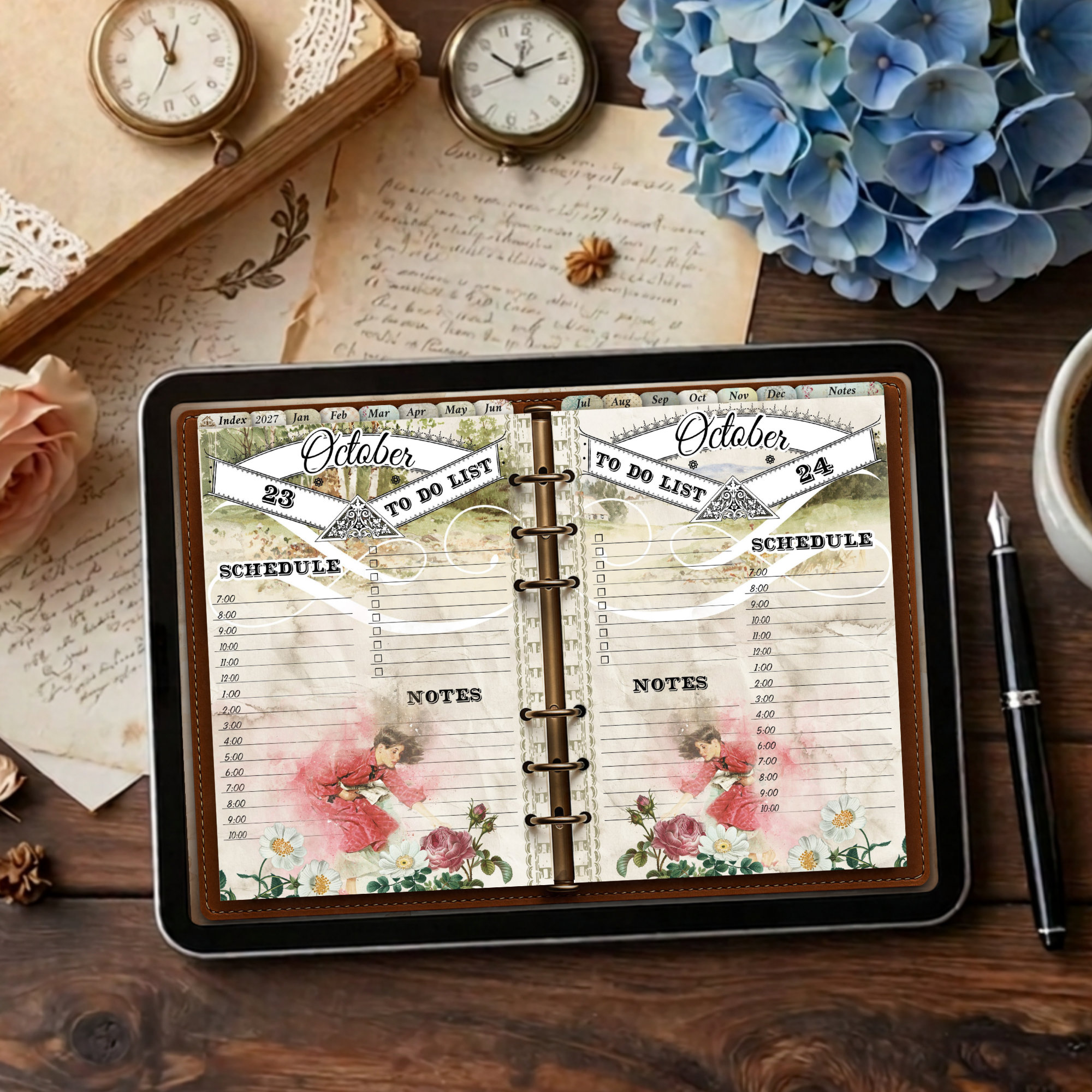
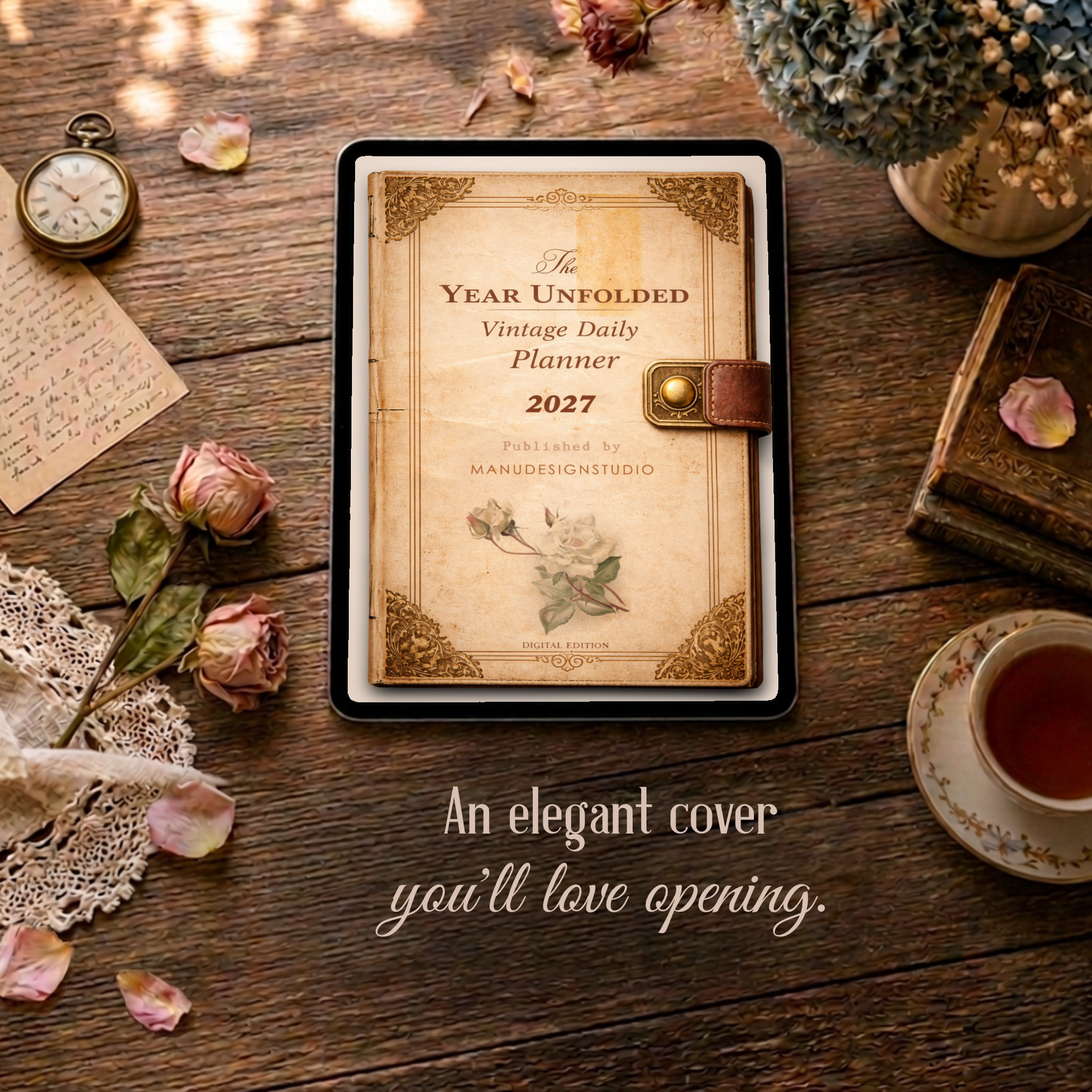
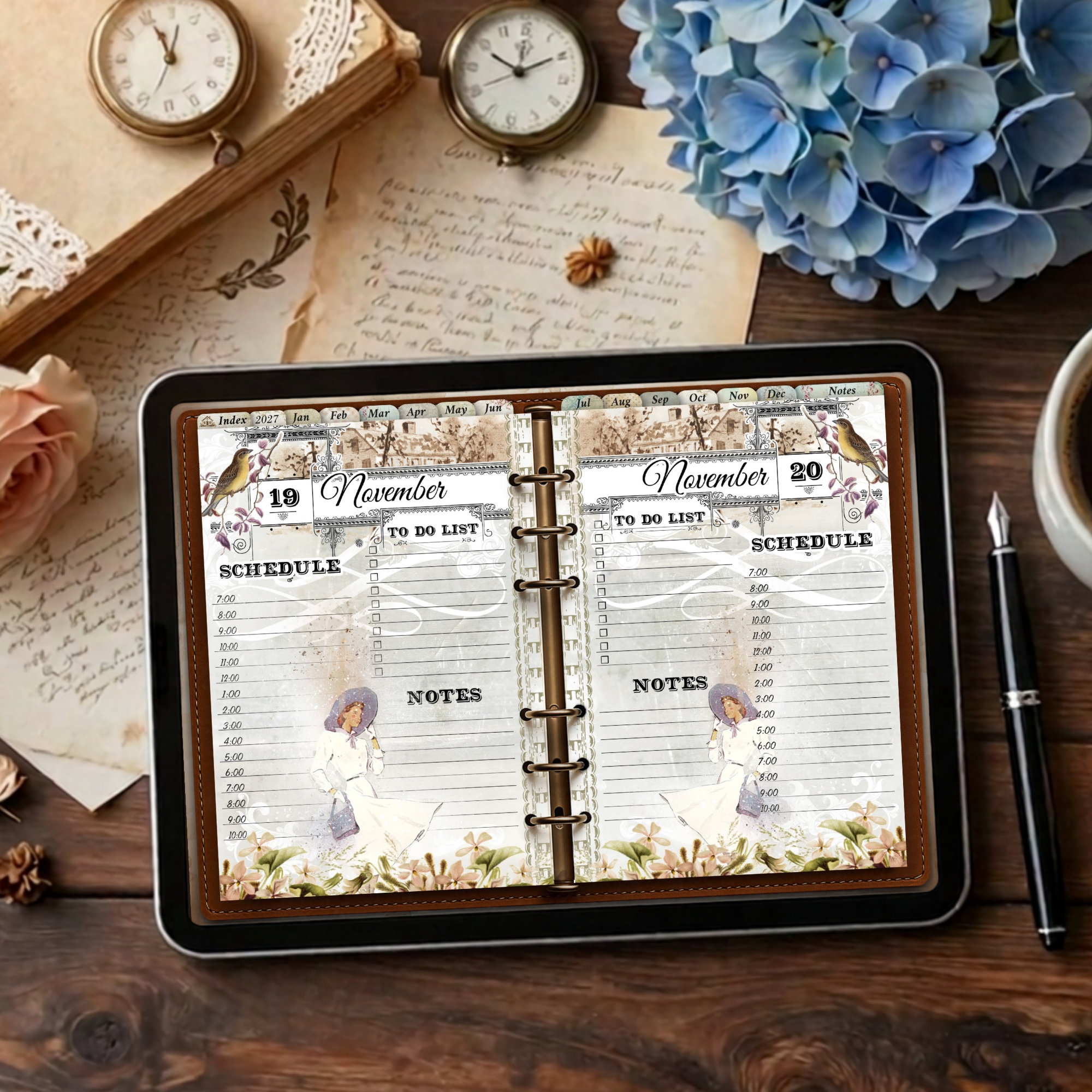
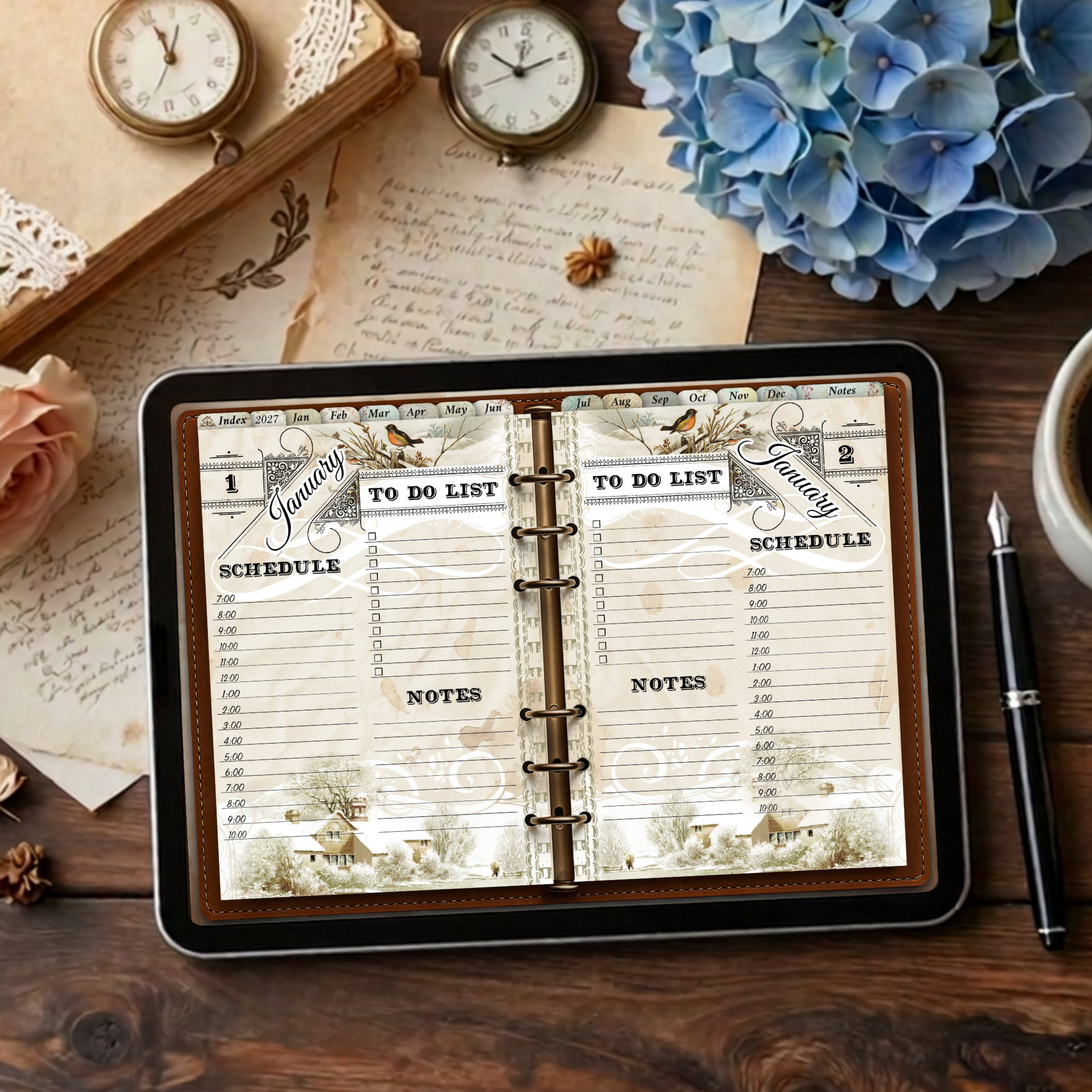
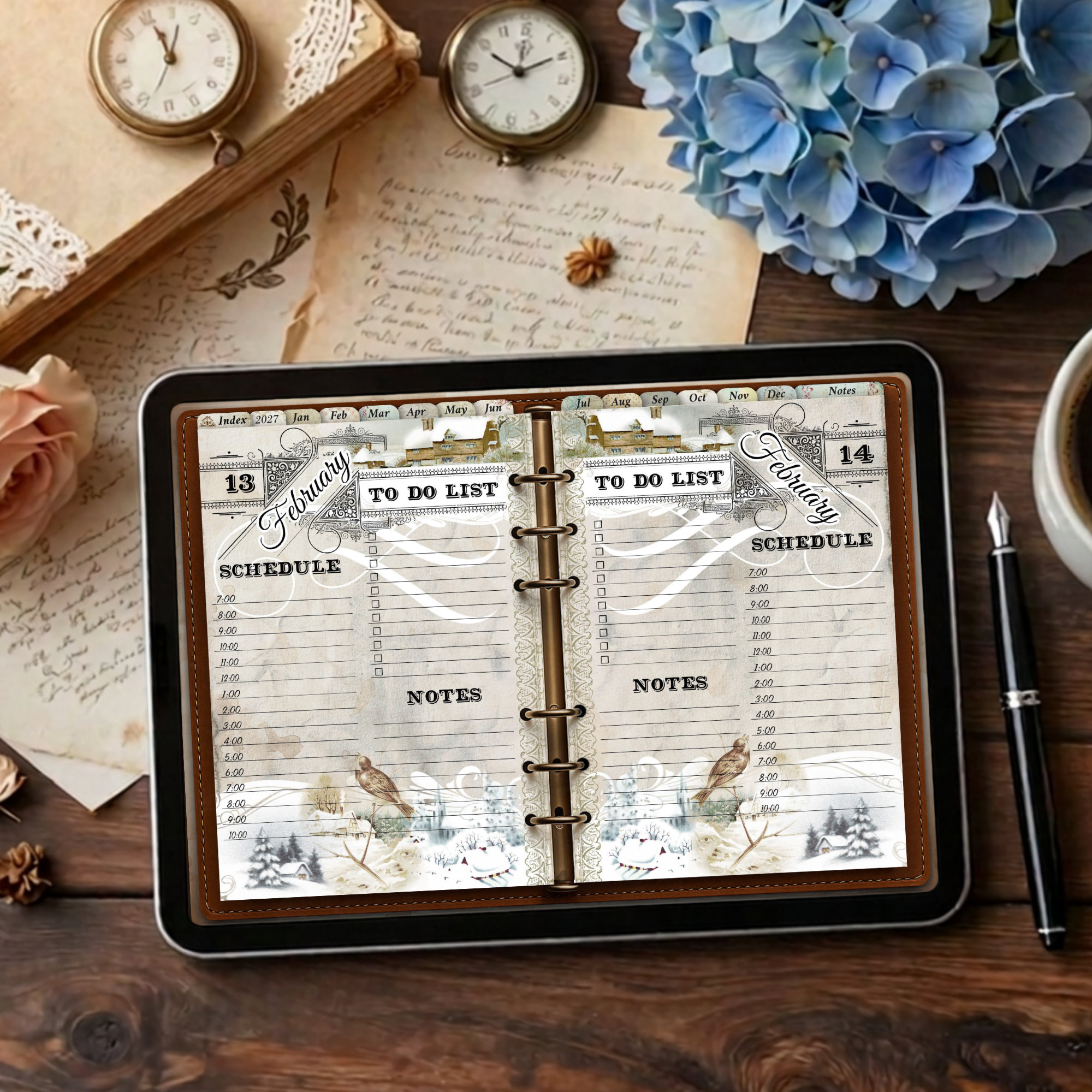
This 2027 digital daily planner for iPad gives you a full page for every day and a new vintage illustration every month. I made it for my own iPad because I wanted a daily planner that feels a little different from one month to the next. The layout of the daily pages stays the same, so you always know where everything is.
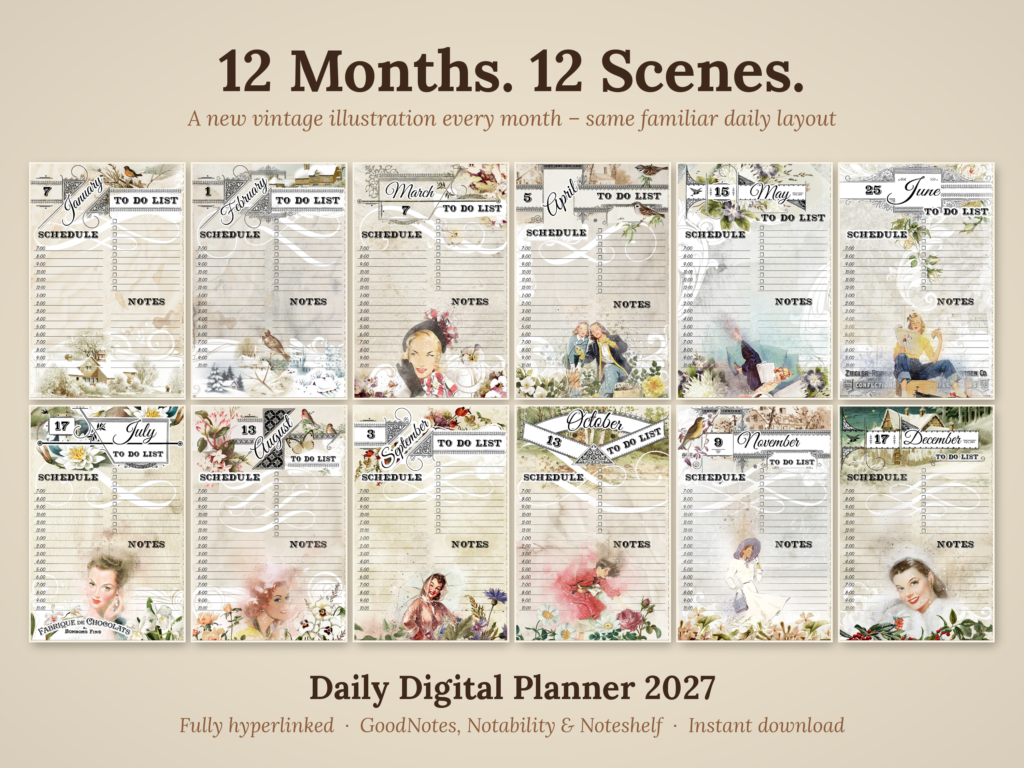
Every day has a full page of its own. Use it for appointments, to-do lists, ideas and little notes, whatever the day brings. I use this planner every day on my iPad (A16), so it has been tested in real life.
What’s included in the 2027 digital daily planner
- 365 daily pages, shown as two days side by side on a landscape spread (214 double-page spreads in total)
- Hourly schedule: 7 am to 10 pm, to-do list and notes on every daily page
- 2027 year-at-a-glance overview
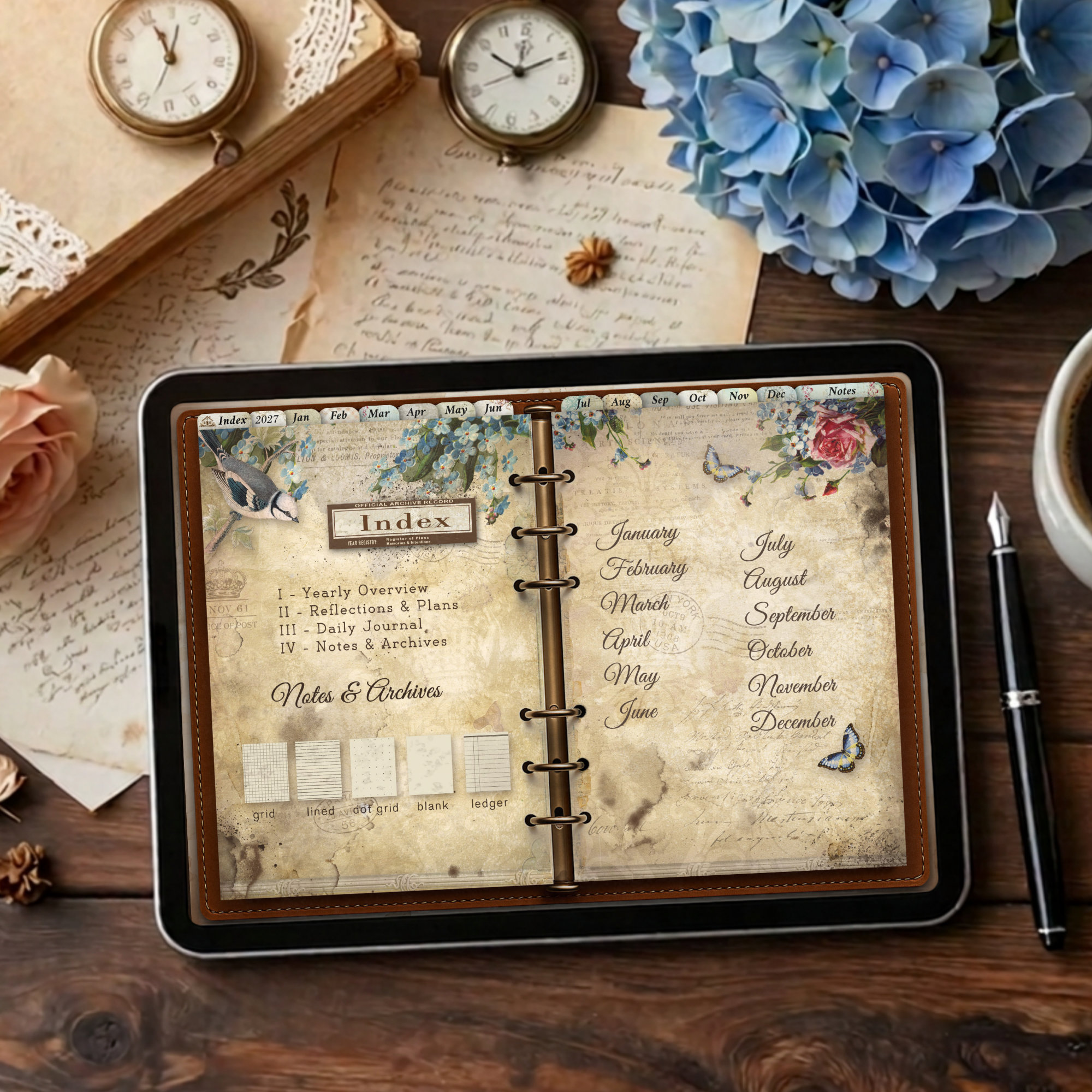
- Fully hyperlinked navigation: tap the tabs at the top to jump to the index, the year overview, any month or the Notes section
- Illustrated index page
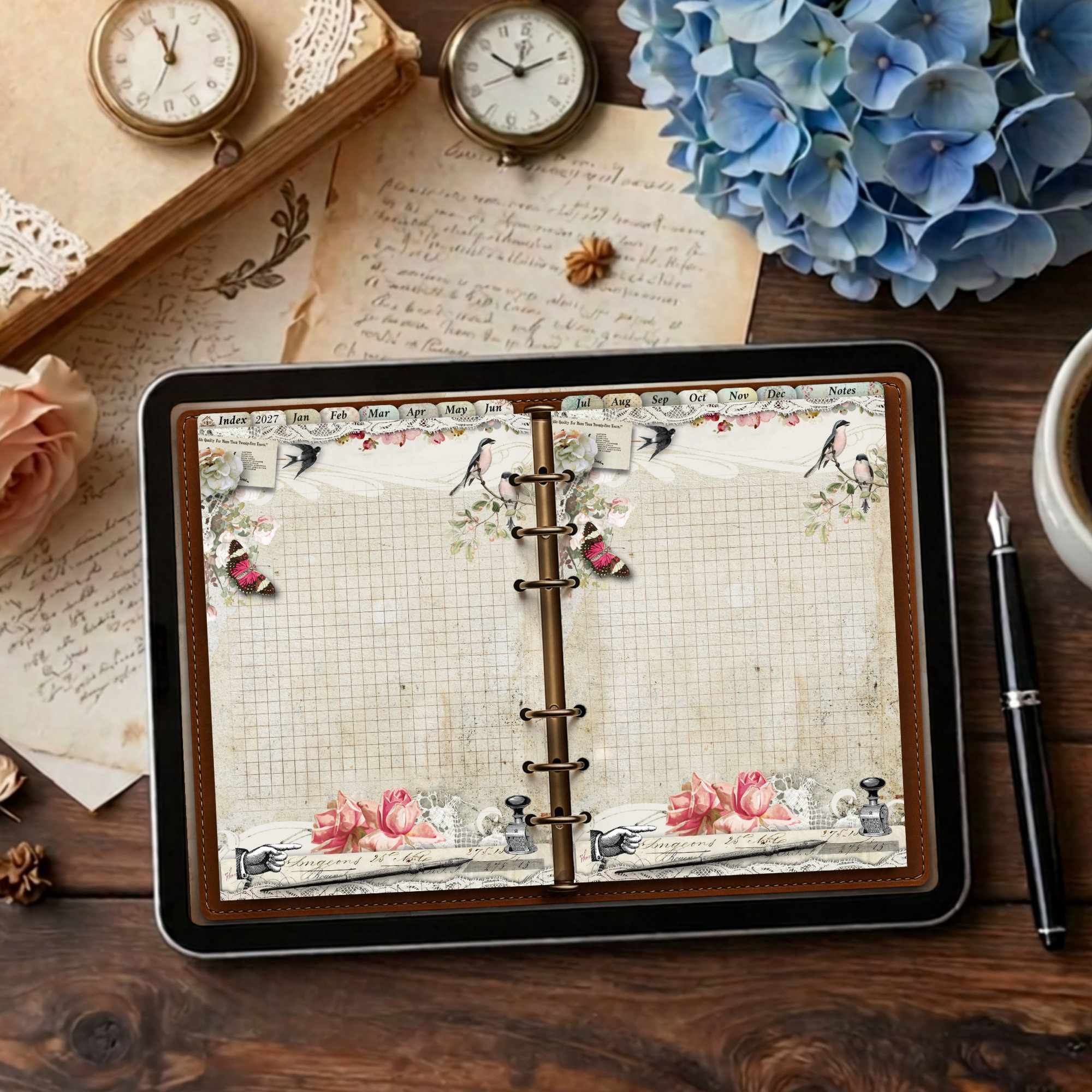
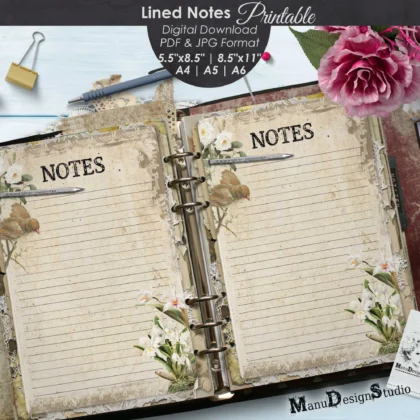
- 38 Notes pages: 8 dot grid, 10 lined, 8 grid, 6 blank and 6 ledger pages. Need more space? Duplicate any Notes page in your app as often as you like.
Monday start or Sunday start
You get two PDF files of the 2027 digital daily planner, one with a Monday-start year overview and one with a Sunday-start year overview. Download the one you prefer, or both. Only the year-at-a-glance differs, everything else is identical.
The daily pages show the month and the date but no fixed weekday names, so you can use them flexibly in your own way.
Please note
This is a daily planner. It includes a year-at-a-glance overview, but no separate monthly calendar pages.
Works with your favorite apps
The 2027 digital daily planner is a standard PDF, designed for iPad and optimized for GoodNotes, Notability and Noteshelf. It also works with other PDF annotation apps. As a standard PDF it should work on Android tablets with a PDF annotation app too, but I have not tested it there.
New to digital planning? Read how to use a digital planner for a step-by-step guide to importing and using your planner.
Full-resolution quality
You receive the full-resolution version (about 70 MB per file) for maximum detail when you zoom in or write with an Apple Pencil. Because of the file size, I recommend downloading it on Wi-Fi.
Your download
- Digital Daily Planner 2027 – Monday start (PDF)
- Digital Daily Planner 2027 – Sunday start (PDF)
- Quick Start Guide (PDF)
- Personal Use License (PDF)
This is a digital product. Nothing will be shipped. The desk items in the product photos (lace, pen, pocket watch, flowers, paper) are for display only. Colors may look slightly different depending on your screen.
Frequently asked questions
How do I get my planner?
After your purchase you can download the files right away from the order confirmation page and from your account. You will also receive an email with the download links.
How do I import the planner into GoodNotes or Notability?
Download the PDF to your iPad, open it in the Files app and choose GoodNotes, Notability or your preferred app. Detailed instructions are in the Quick Start Guide and on the how-to page.
Does it work on all iPads?
It is a standard PDF made for iPad and works with any iPad that runs a PDF annotation app such as GoodNotes, Notability or Noteshelf. I use it daily on an iPad (A16).
Does it work on Android tablets or other devices?
It should work with PDF annotation apps on Android tablets, but I have not tested it there. The layout is made for tablet screens in landscape, so I recommend an iPad.
Are the links clickable?
Yes. All tabs at the top of the pages (Index, 2027, Jan to Dec, Notes) are clickable and take you straight to the right section.
What is the difference between the Monday and Sunday start files?
Only the year-at-a-glance page. In one file the weeks begin on Monday, in the other on Sunday. The daily and Notes pages are the same.
Why are there no weekday names on the daily pages?
The daily pages show the month and date only. This keeps them flexible, and it is why the same daily pages work for both start days.
Does the planner include monthly calendar pages?
No. It is a daily planner with a 2027 year at a glance, 365 daily pages and 38 Notes pages.
Can I add more pages?
Yes. In GoodNotes and most other apps you can duplicate any page, for example extra Notes pages, as often as you like.
Do I need an Apple Pencil?
No, but a stylus makes handwriting more comfortable. You can also type with text boxes in most PDF apps.
Can I share the planner or use it commercially?
The planner is licensed for personal use only. Sharing, redistributing, reselling or commercial use is not permitted.
I have a question or a problem with my file.
Please send me a message and I will gladly help.


Reviews
There are no reviews yet.